AstroCartoGraphy and Astro Maps
A wide range of Astro Mapping techniques, including AstroCartography, CycloCartography, Local Space, Geodetic maps and more.
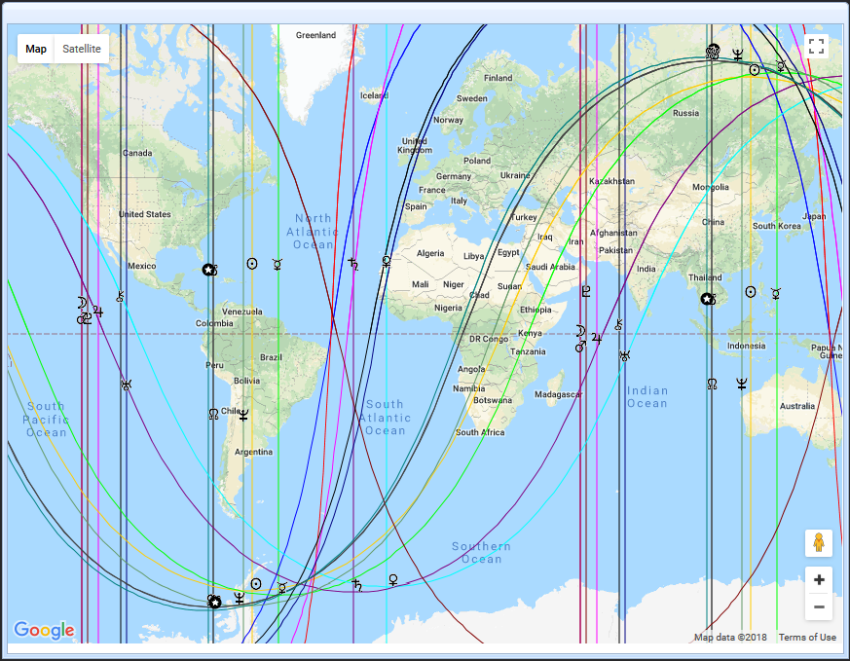
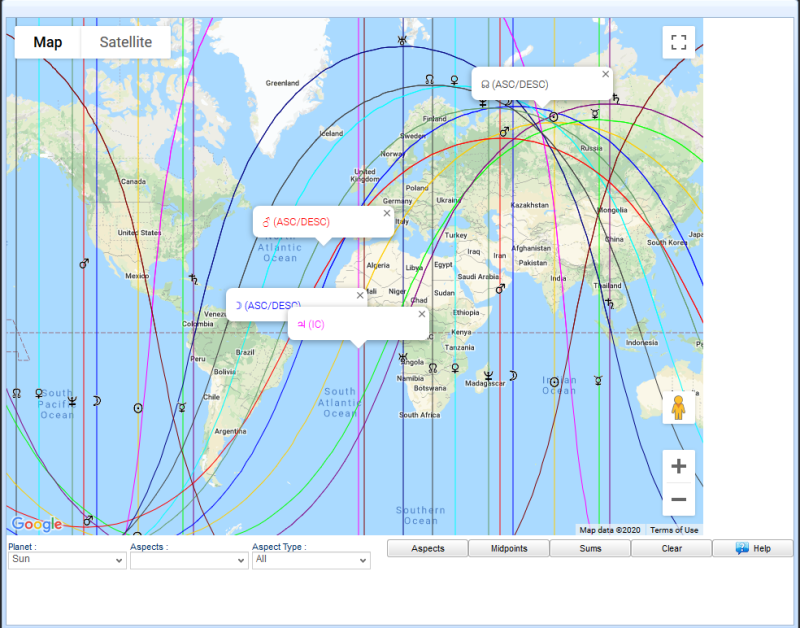
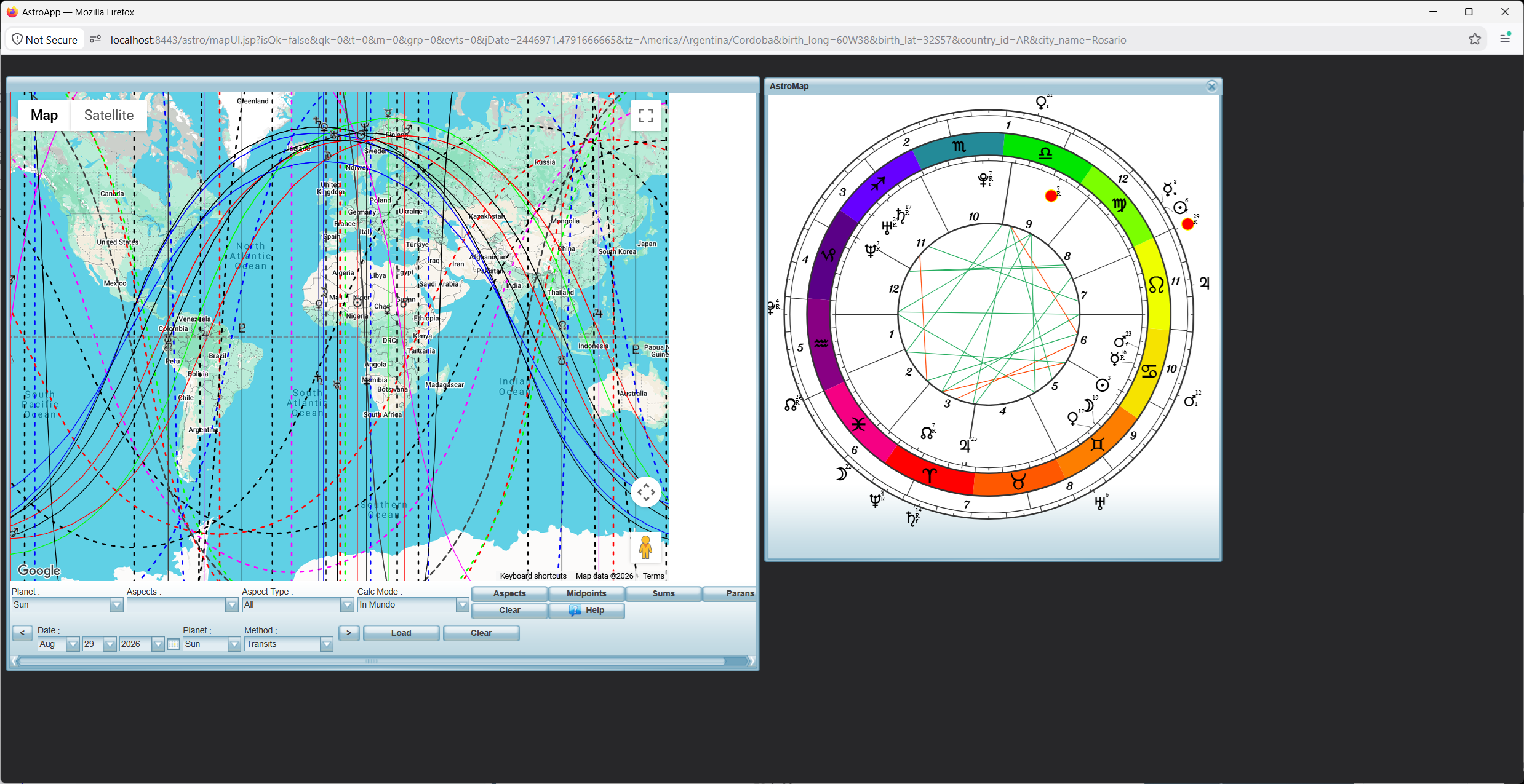
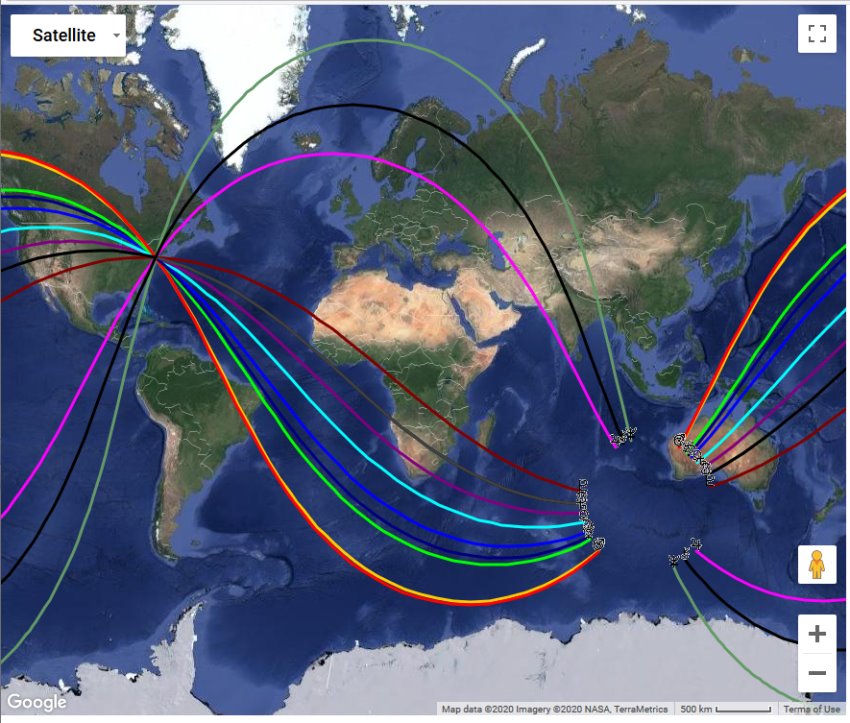
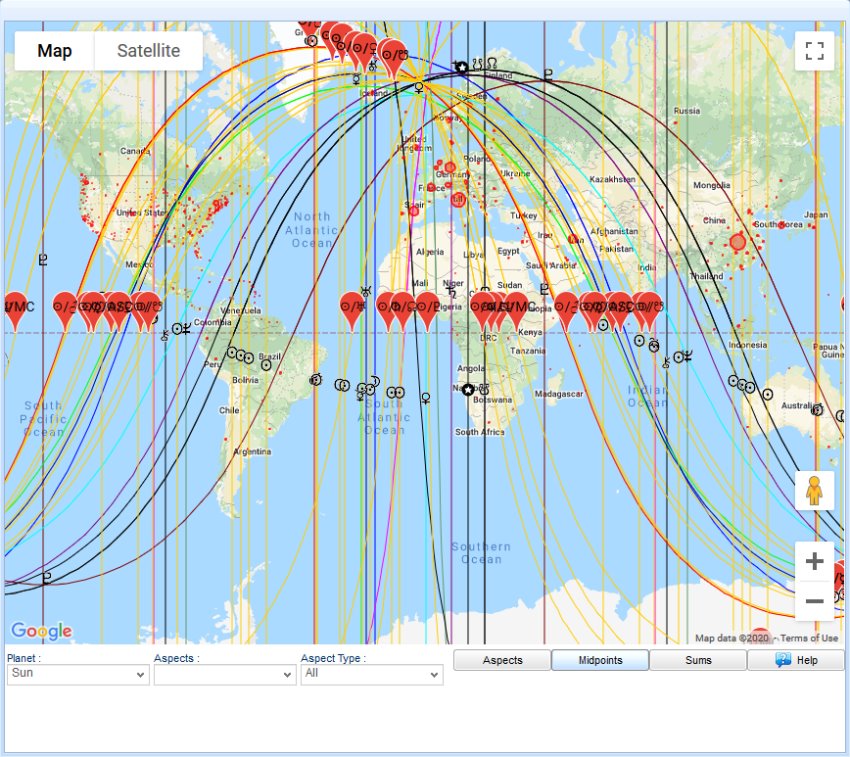
The Maps module shows your chart on a map of the world. At its center is AstroCartography, the technique Jim Lewis made popular: the rising, setting, culminating and anti-culminating lines of every planet on a world map you can zoom. You also get Local Space maps, Geodetic and Johndro maps, map themes for groups of charts, the Relocation Finder, and maps of eclipse paths, earthquakes and world events. You can put any chart on the map, natal or derived, with any object you have added to it.
AstroCartography
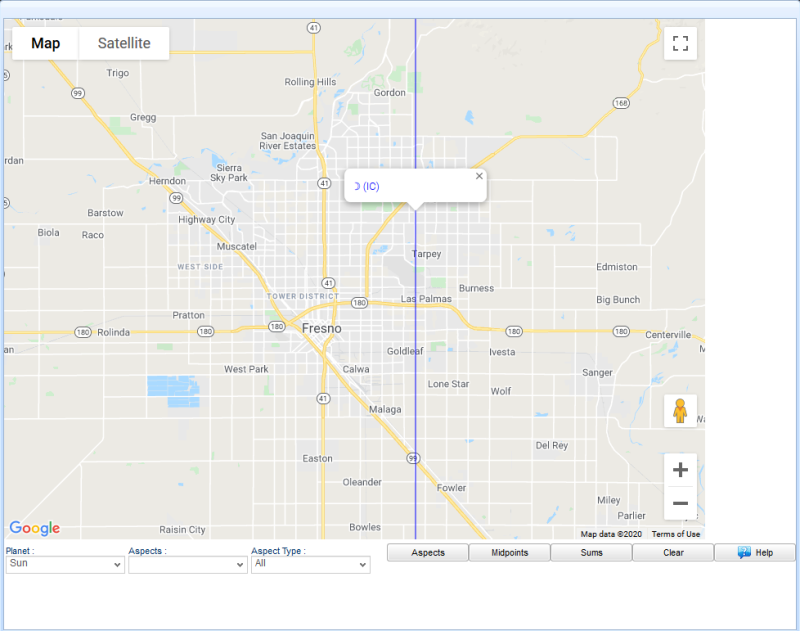
The AstroCartography map shows the angular lines of every planet, asteroid, fixed star, Arabic part, hypothetical planet or Dark Star in your chart, and you can zoom from the whole world down to street level. Click a line to see its details. You can also add:
- aspect lines for any object, filtered by aspect value and by direction, dexter or sinister
- midpoint lines and planetary sum lines
- parans to fixed stars and to planets, drawn where the lines cross
- lines in zodiaco as well as in mundo
- the distance from any point on Earth to the nearest Ascendant, Descendant, MC or IC line
- a chart preview for the place under the cursor
CycloCartography maps the lines of a planetary cycle rather than a single moment, so you can read a whole return or ingress on the map at once.
Local Space Maps
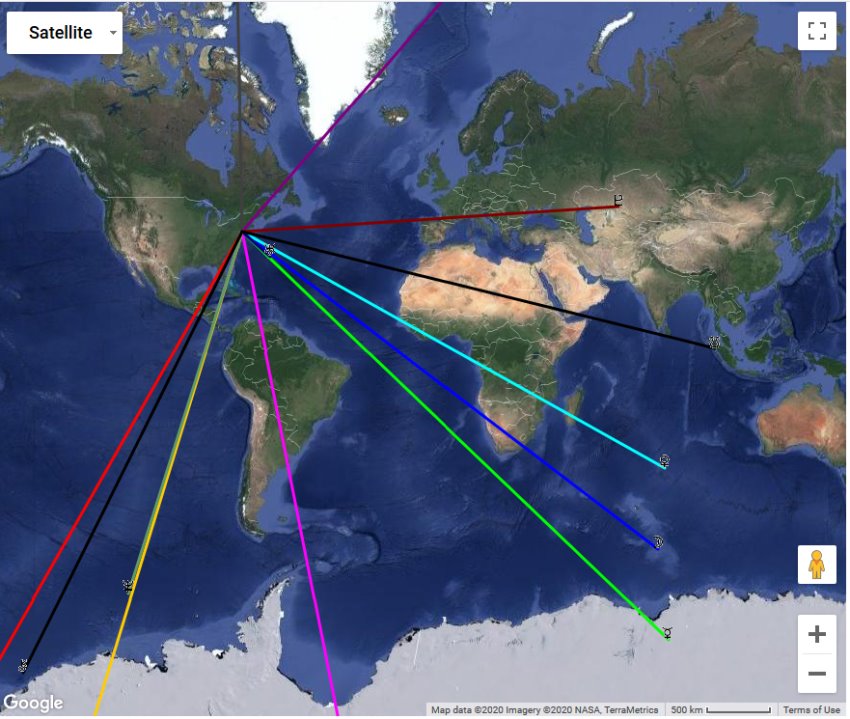
A local space map draws the azimuth of each planet as a line radiating from the birthplace, or from any place you choose, across the map. You can choose between two methods of drawing the lines. Map themes work here just as they do on the AstroCartography map, so you can add custom points, asteroids and Arabic parts to the lines.
Geodetic and Johndro Maps
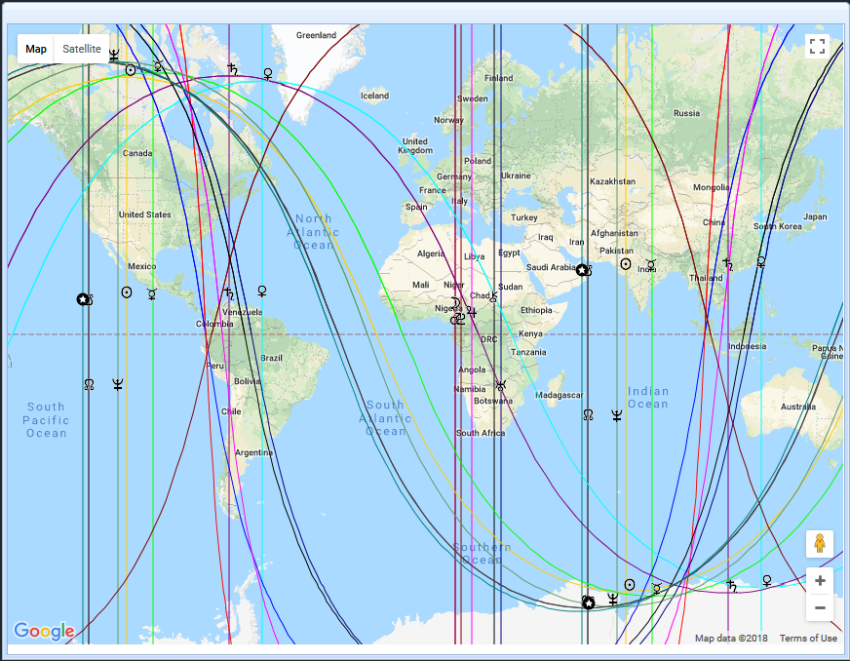
Geodetic mapping ties the zodiac signs to geographic longitudes, so every place on Earth has a fixed Midheaven. AstroApp shows these maps in both longitude and right ascension. It also supports Johndro maps, which use an alternate starting meridian, and lets you base a geodetic map on a capital or a historic site instead of Greenwich. You get the standard AstroCartography features, such as aspect lines, midpoints and planetary sums, plus one-click access to the Geodetic and Johndro relocation charts of any place.
Map Themes and Synastry Maps
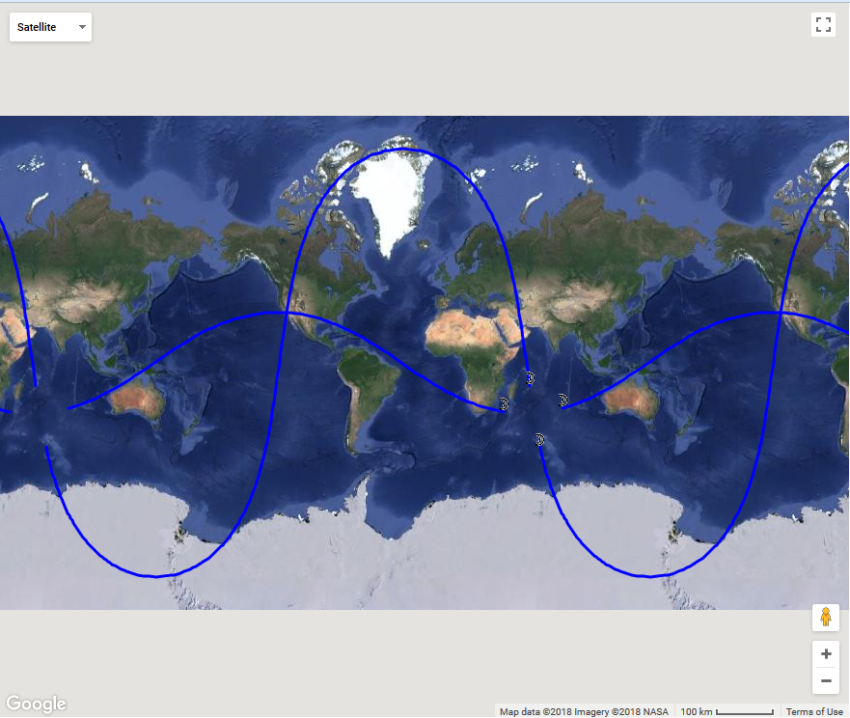
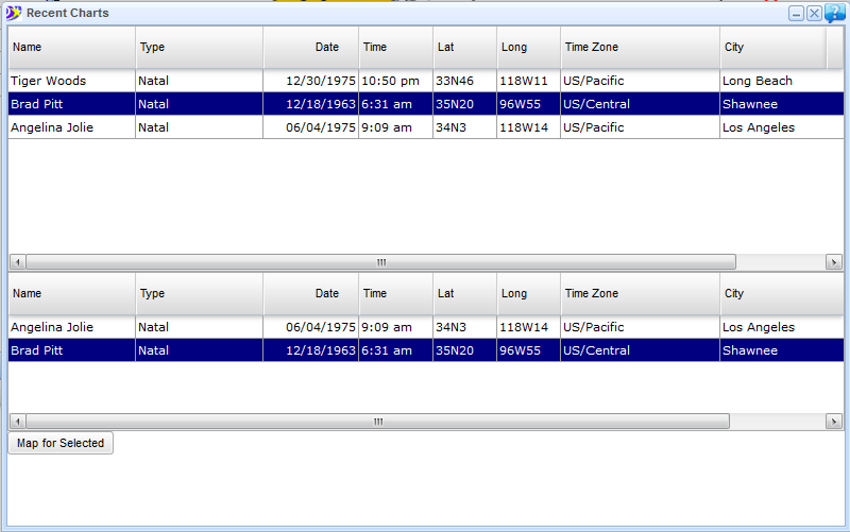
Map themes let you customize and save what your map displays, from specific lines and celestial bodies to your own colors. With the Map Themes Editor you can add custom points, asteroids and Arabic parts to AstroCartography, Local Space and Geodetic maps. You can also combine several charts on one map, which is ideal for synastry and group maps, such as plotting a couple's Moon lines or a family's Sun lines together. Map themes work with derived charts too, including midpoint composites, returns and progressions.
Relocation
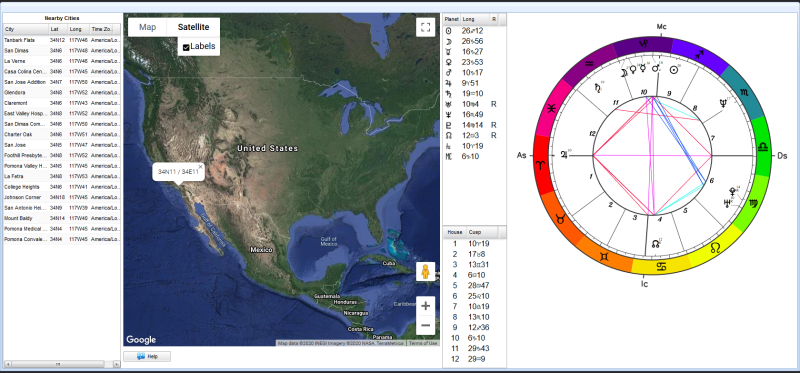
The Relocation Finder searches the world for the places where your chart meets the conditions you set, such as a planet on an angle or an aspect line through a region, and lists them with their relocated charts. Relocated charts and the Geodetic and Johndro charts of any place are part of the same module.
Eclipse Paths, Climes and Chorography
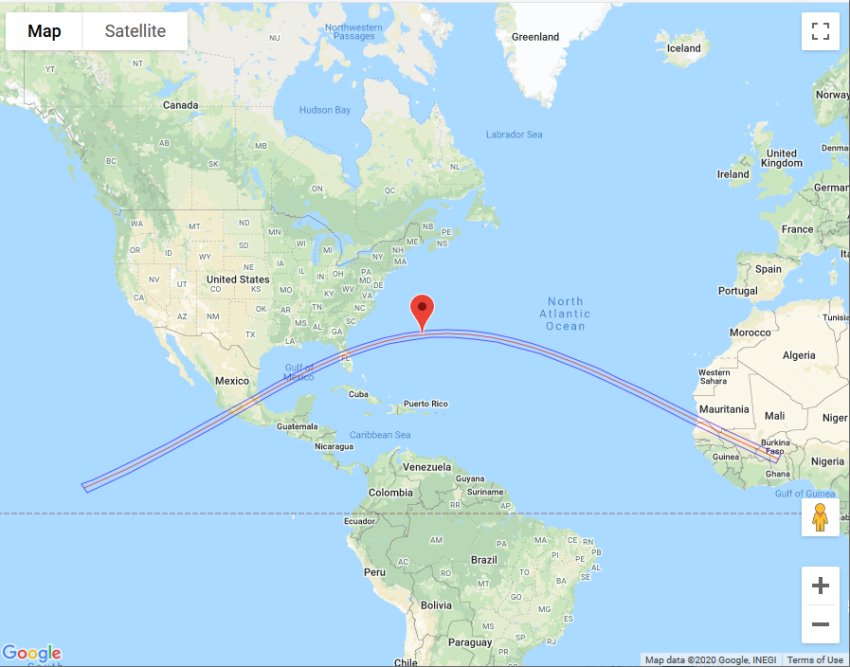
You can draw two centuries of solar eclipse paths on the map and see where an eclipse was, or will be, visible and total. For traditional astrologers, the module also shows the Ptolemaic climes, the bands of latitude of classical geography, and Bonatti's chorography, which assigns countries and regions to the signs.
Earthquakes and World Events
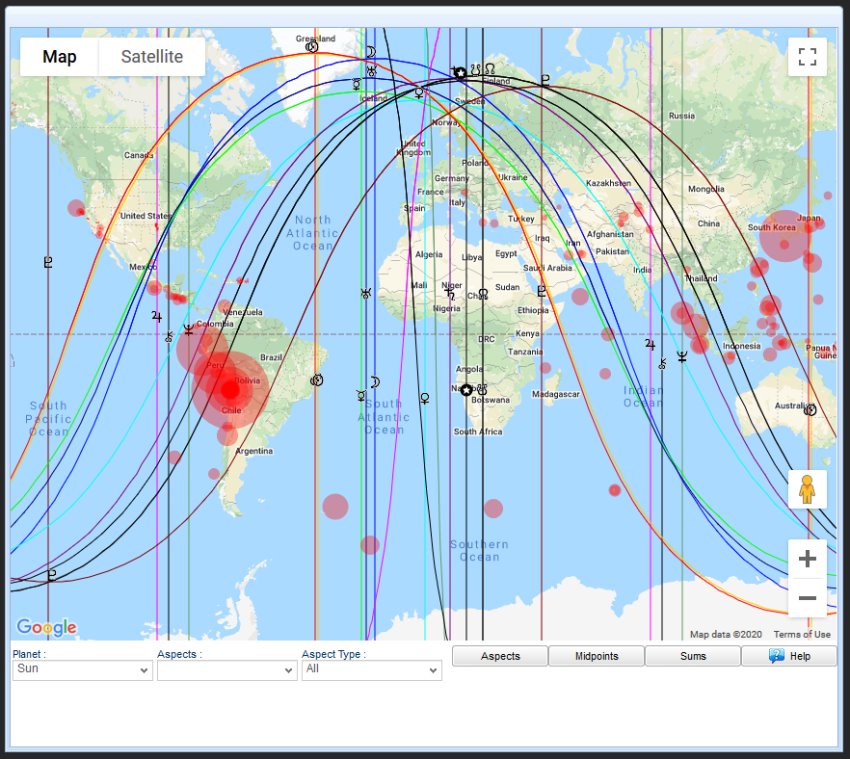
Recent earthquakes appear on the AstroCartography map as they are reported, with their magnitude, so you can see at a glance the planetary lines, aspects, midpoints and sums active at the epicenter. The spread of COVID-19 was mapped the same way, with confirmed, recovered and death counts for each location. The Mundane module adds a database of world events and maps of news headlines and public mood, described in Mundane Astrology.
Frequently Asked Questions
Which charts can I put on a map?
Any chart you can calculate in AstroApp: natal, return, progressed, composite, midpoint synastry, horary or event charts, with any object you have added, including asteroids, fixed stars, Arabic parts, hypothetical planets and Dark Stars.
Can I see aspects on an AstroCartography map, not only the angular lines?
Yes. You can draw aspect lines for any object on AstroCartography and Geodetic maps, filtered by aspect and by direction, together with midpoint lines, planetary sums and parans.
Can I show two people's charts on one map?
Yes. A map theme can combine any number of charts, so a synastry map shows lines from both partners and a group map can show a whole family or team.
How do I find a good place to relocate to?
Use the Relocation Finder: set your conditions, and it lists the places that meet them, with a relocated chart for each. You can also click any line on the map for its details and zoom down to street level.
Can I use geodetic maps in right ascension?
Yes. Geodetic and Johndro maps are available in both longitude and right ascension, and you can start a geodetic map from a place of your choice.
See Also
- Mundane Astrology, for the world events maps
- Modern Astrology Tools, for relocated charts
- Synastry, for the group charts that share a map