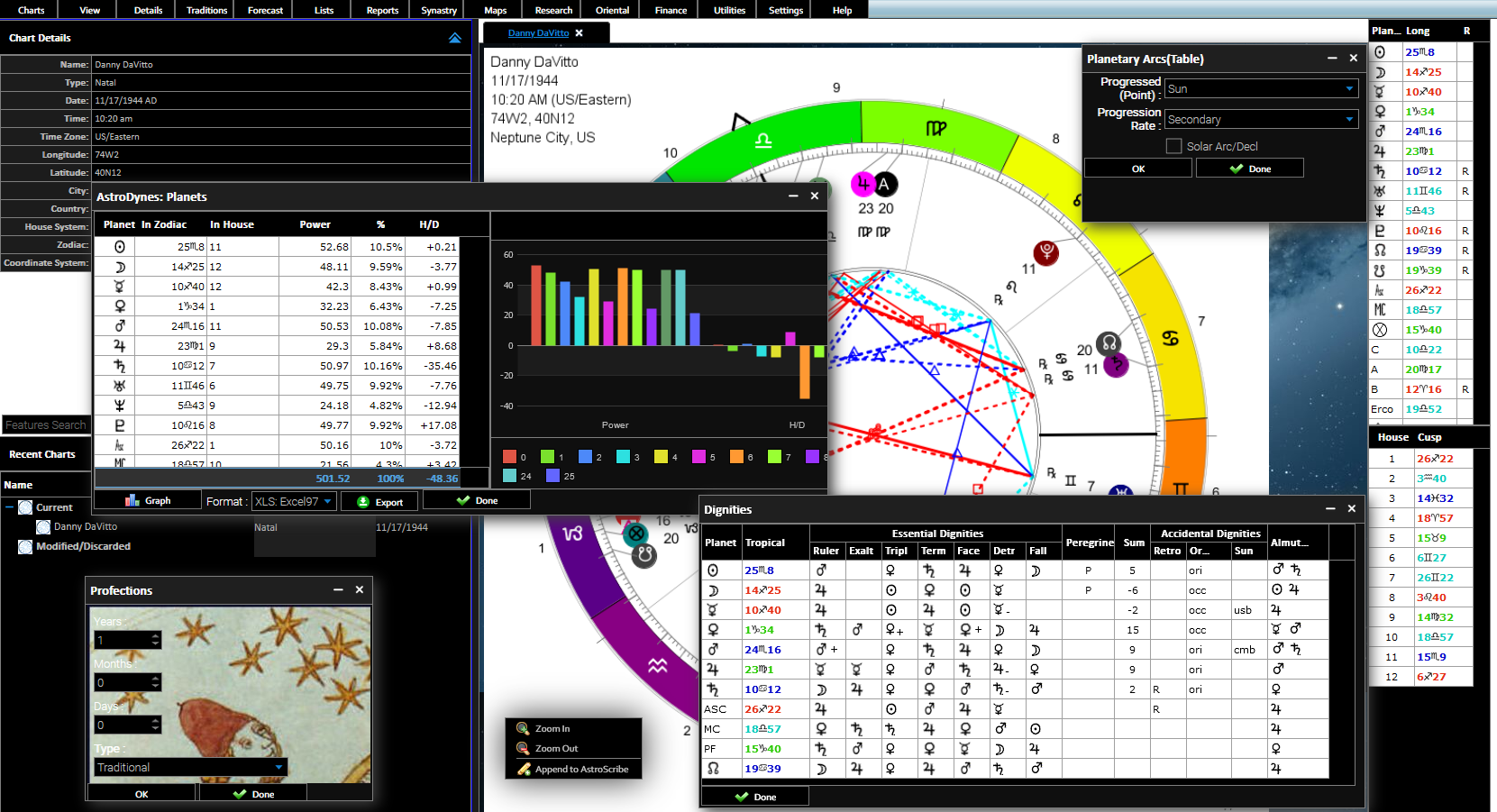
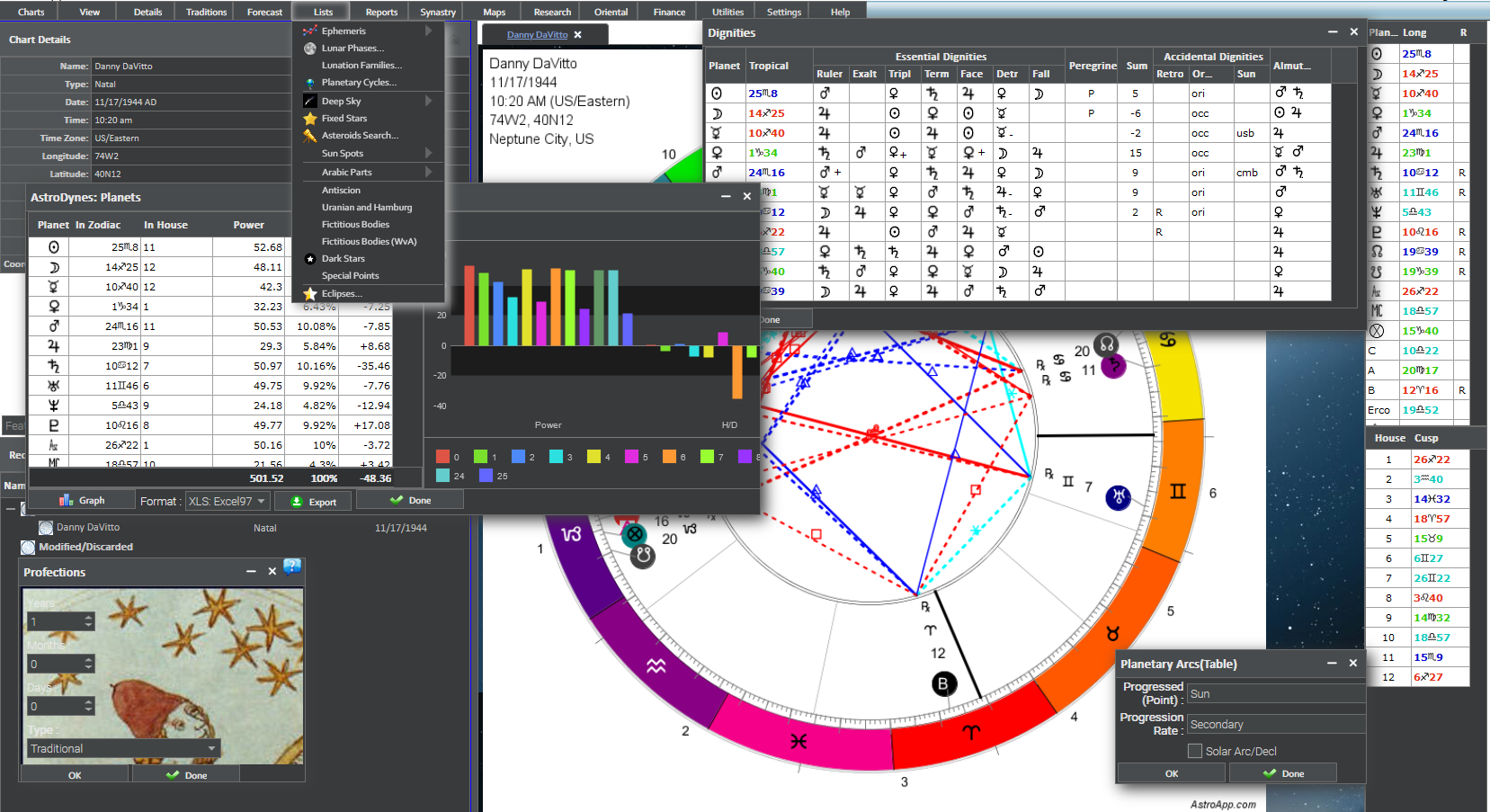
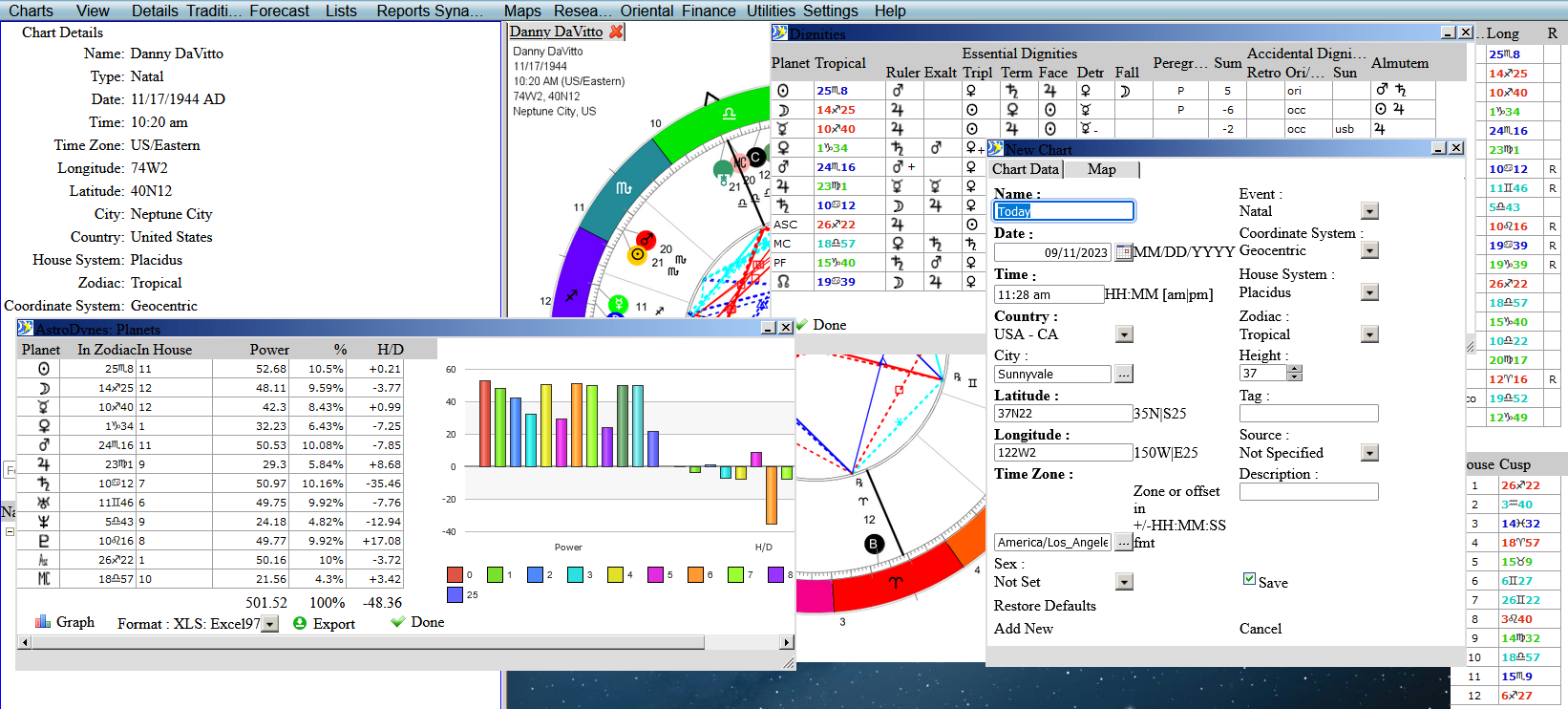
AstroApp Screenshots
See how AstroApp looks on screen, from Western, Vedic and Financial Astrology to maps, reports, portals and interface skins.
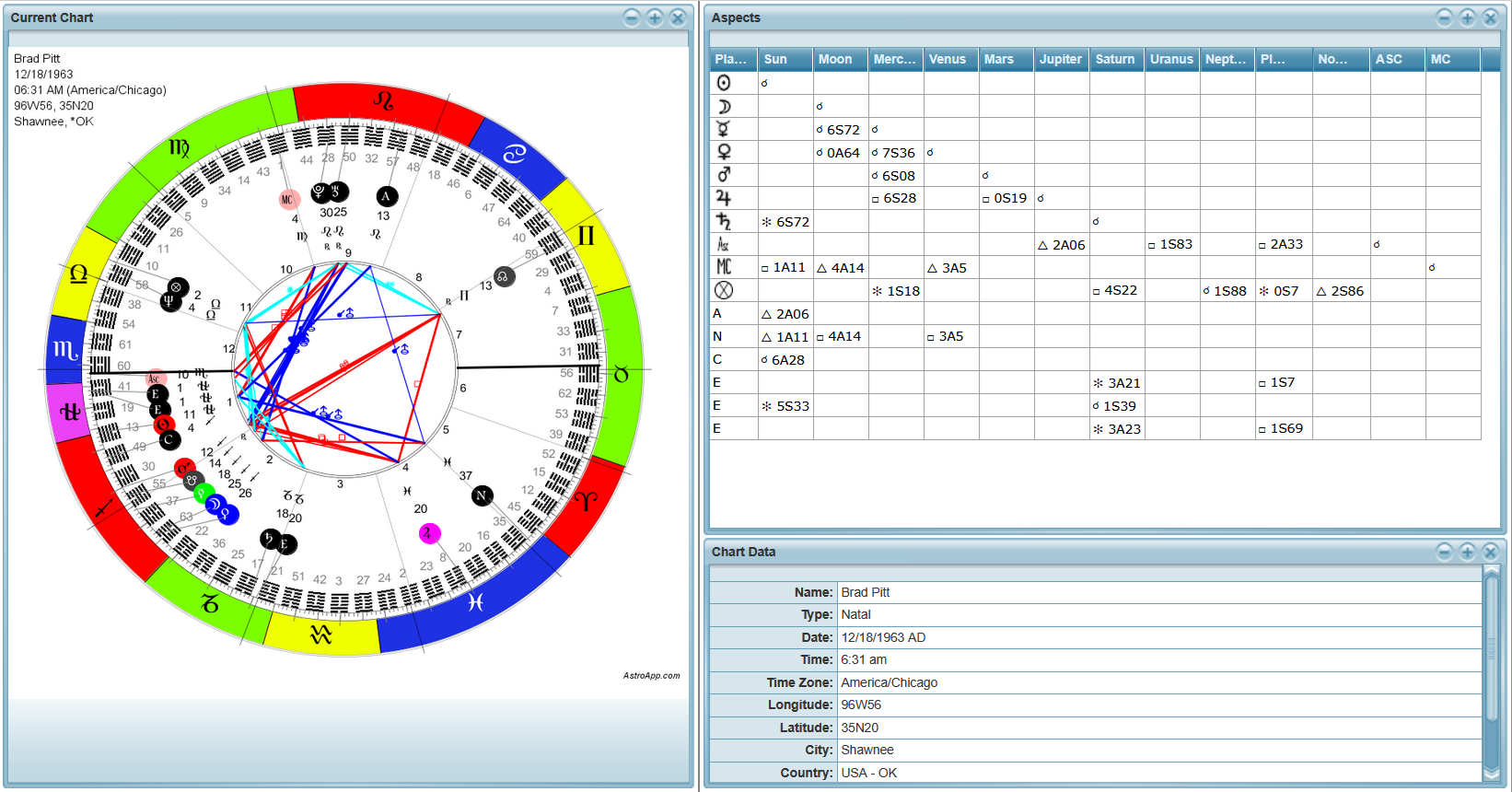
Here you can see AstroApp as it looks in your browser, with a few screenshots for each area. Click any picture to open it at full size. The screenshots were taken over several years of releases, so the interface skin changes from one to the next.
Chart Wheels
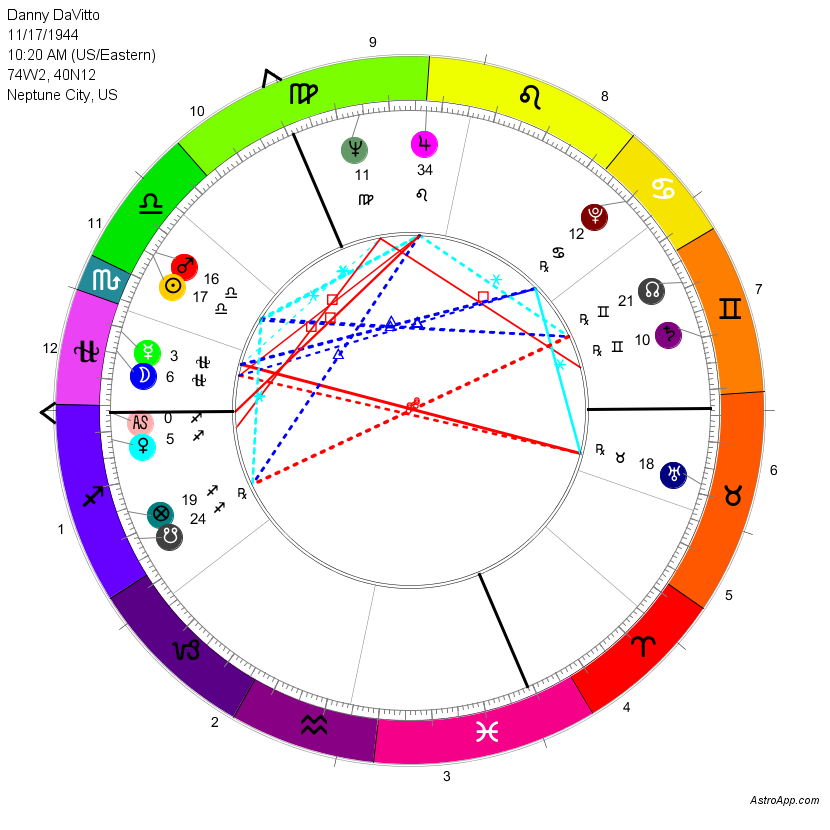
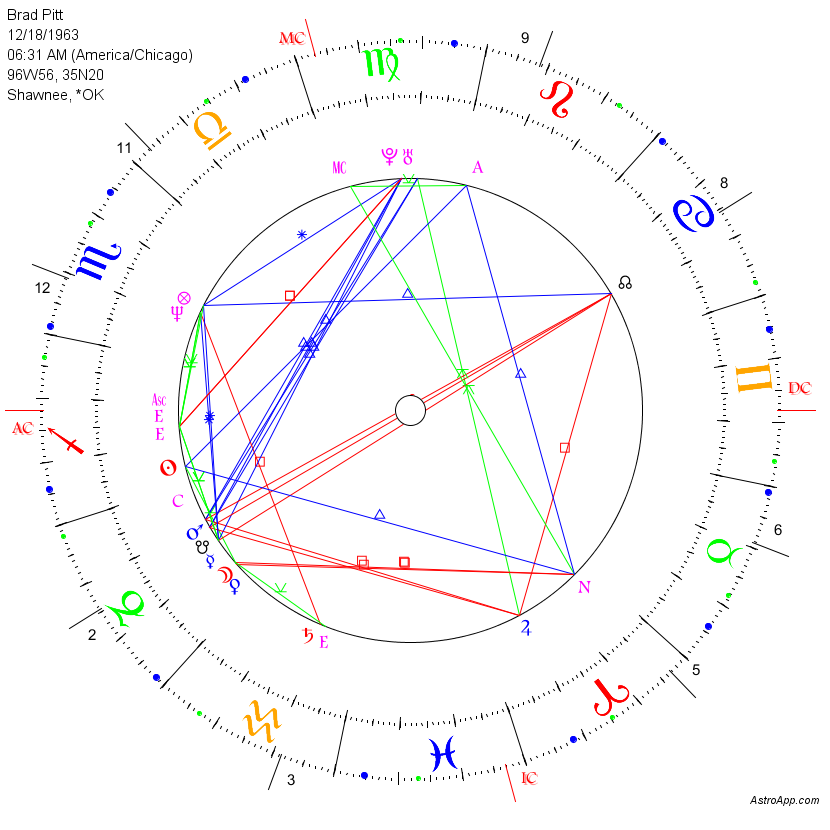
AstroApp offers many chart styles, from plain European and American wheels to the elements, rainbow, dignities and lunar mansion styles. You can see more of them in Chart Wheel Styles.
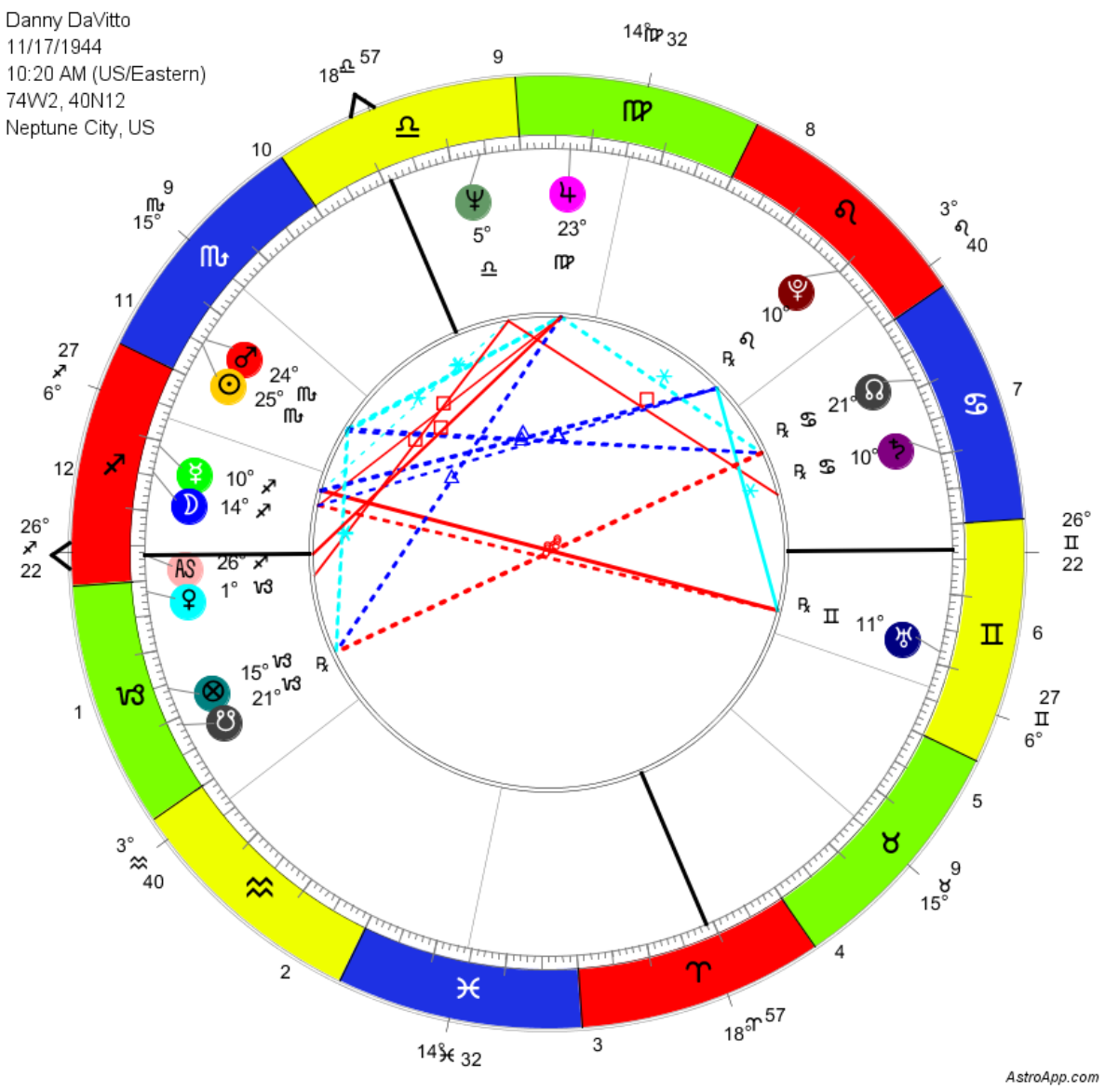
Forecasting
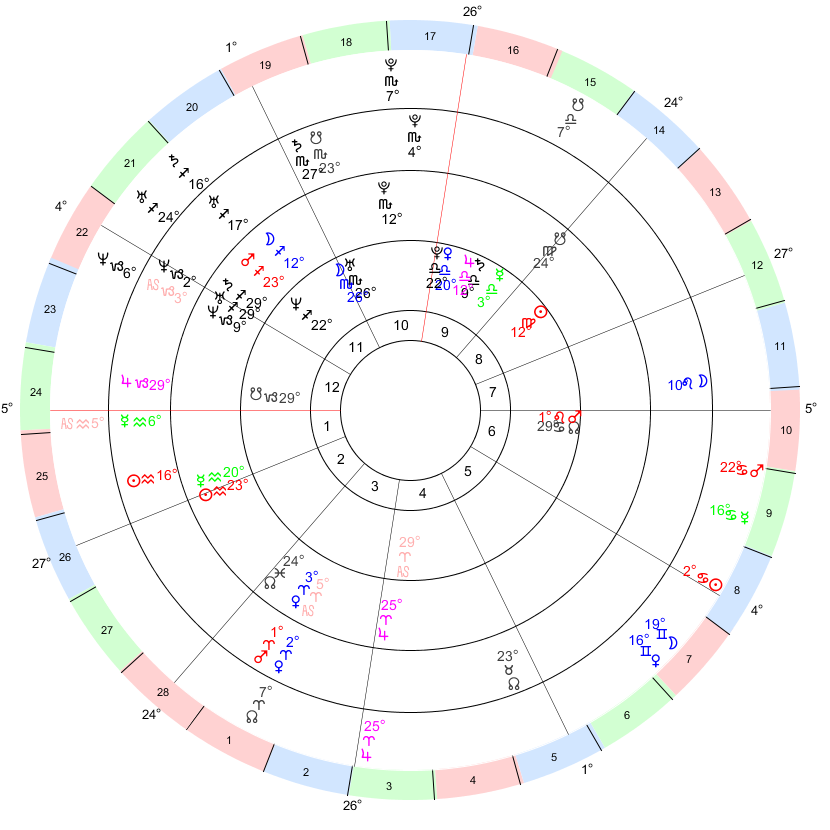
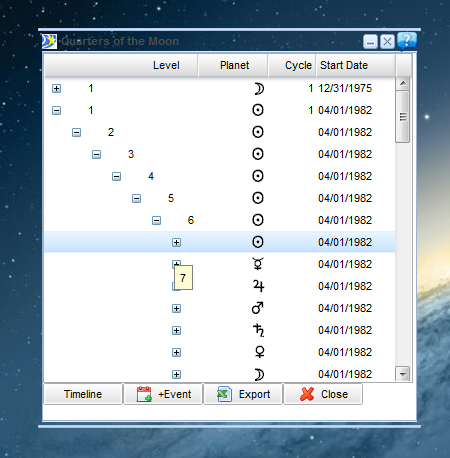
Directions, progressions, returns, transits and time lords. You can find more in Forecasting.
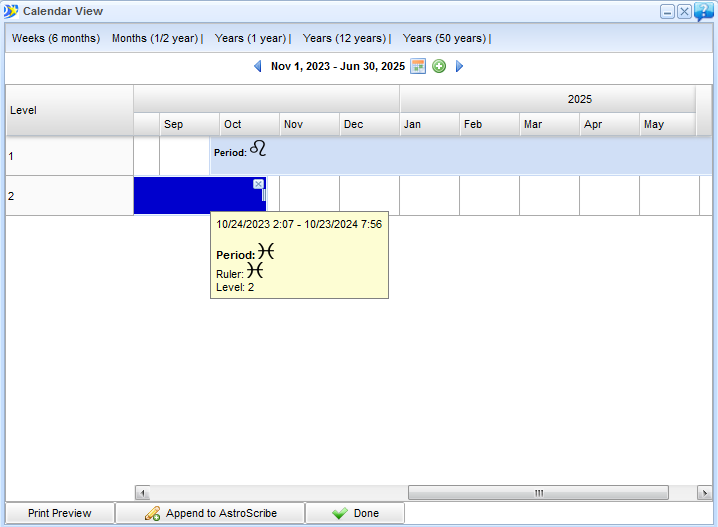
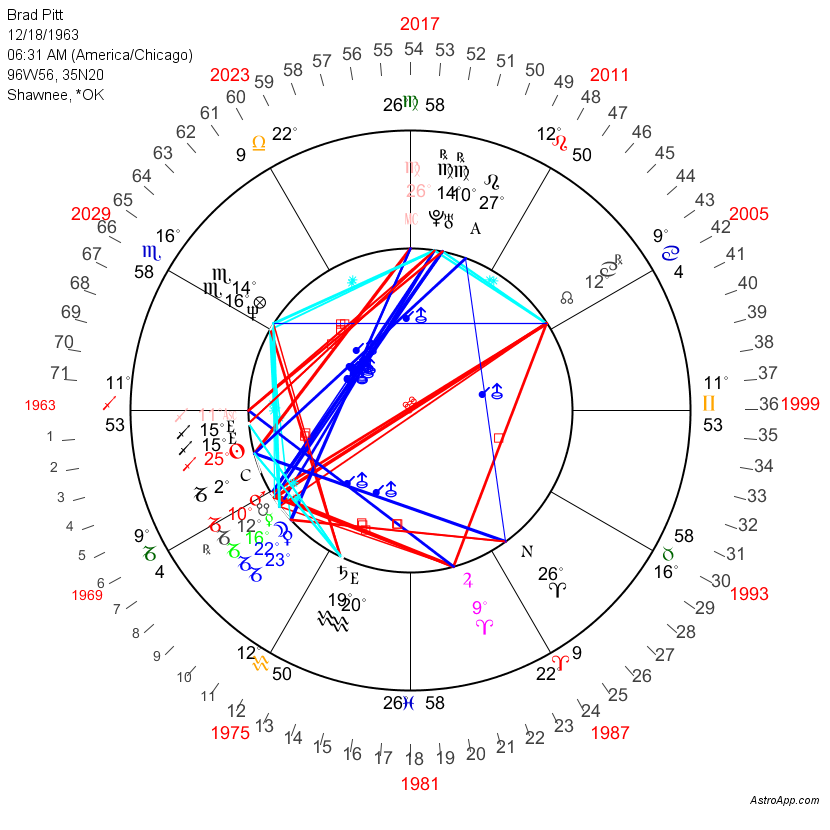
Vedic Astrology
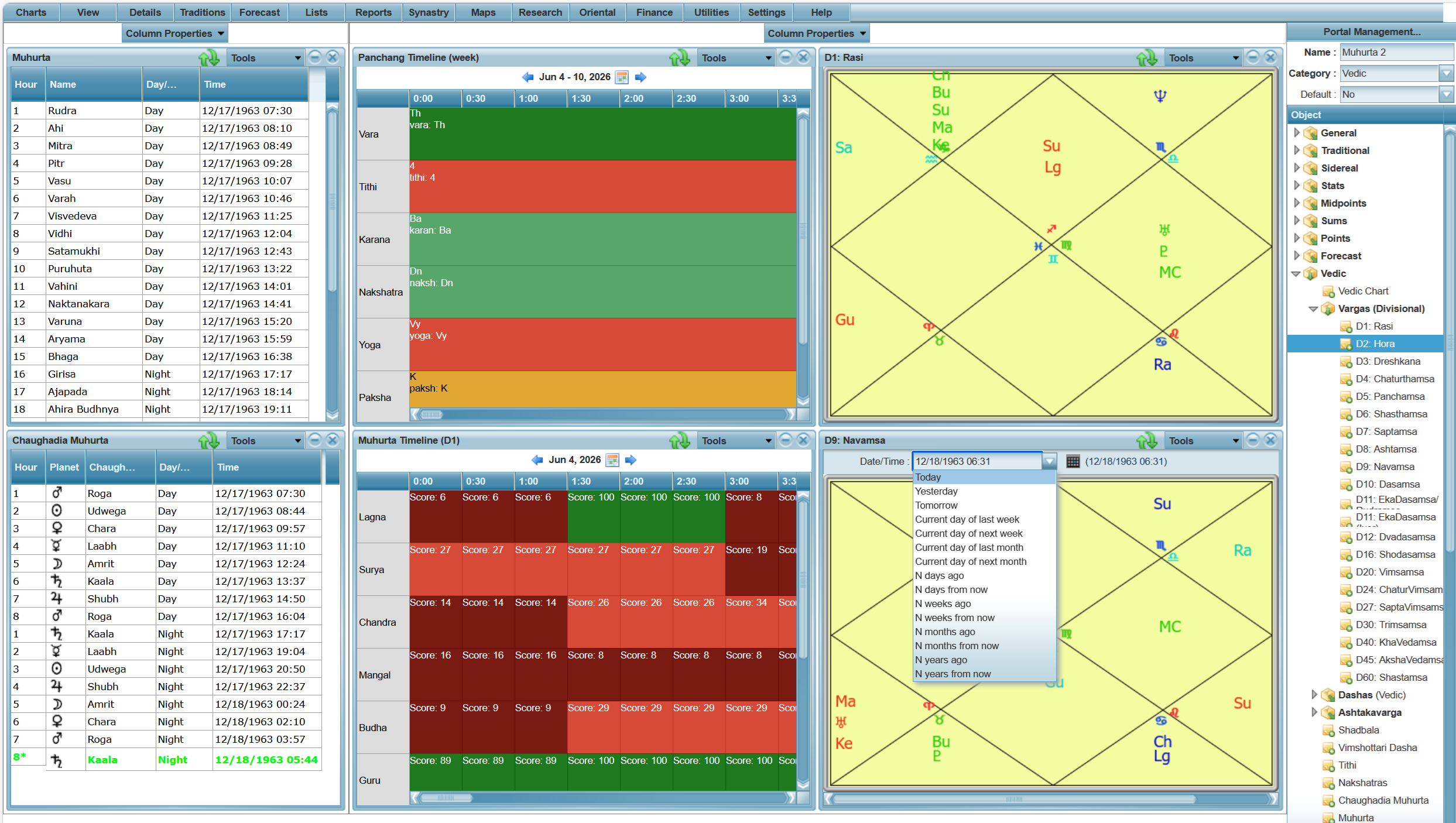
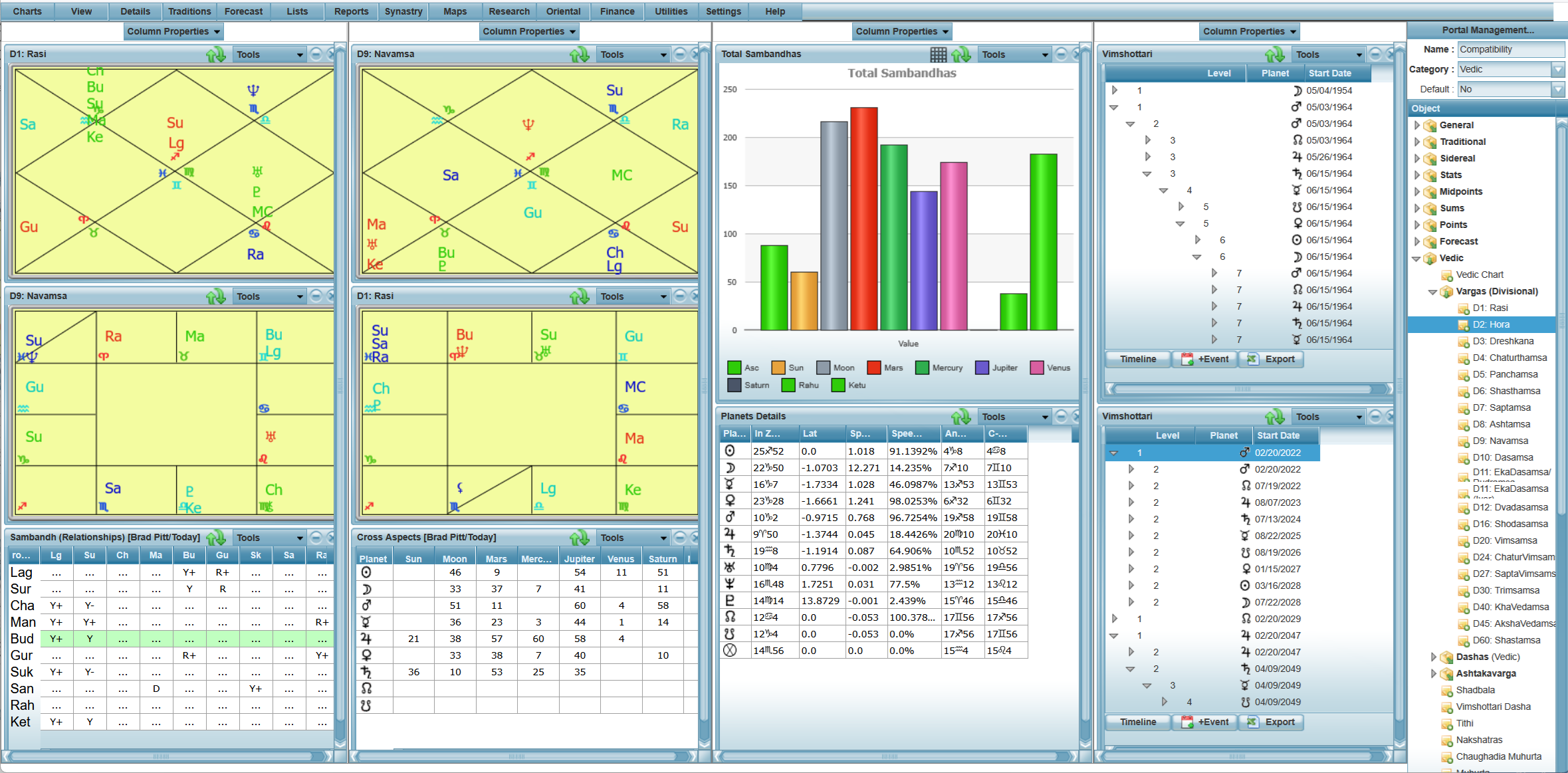
Vedic portals for the natal chart, Ashtakavarga, panchanga and compatibility. You can find more in Vedic Astrology Software.
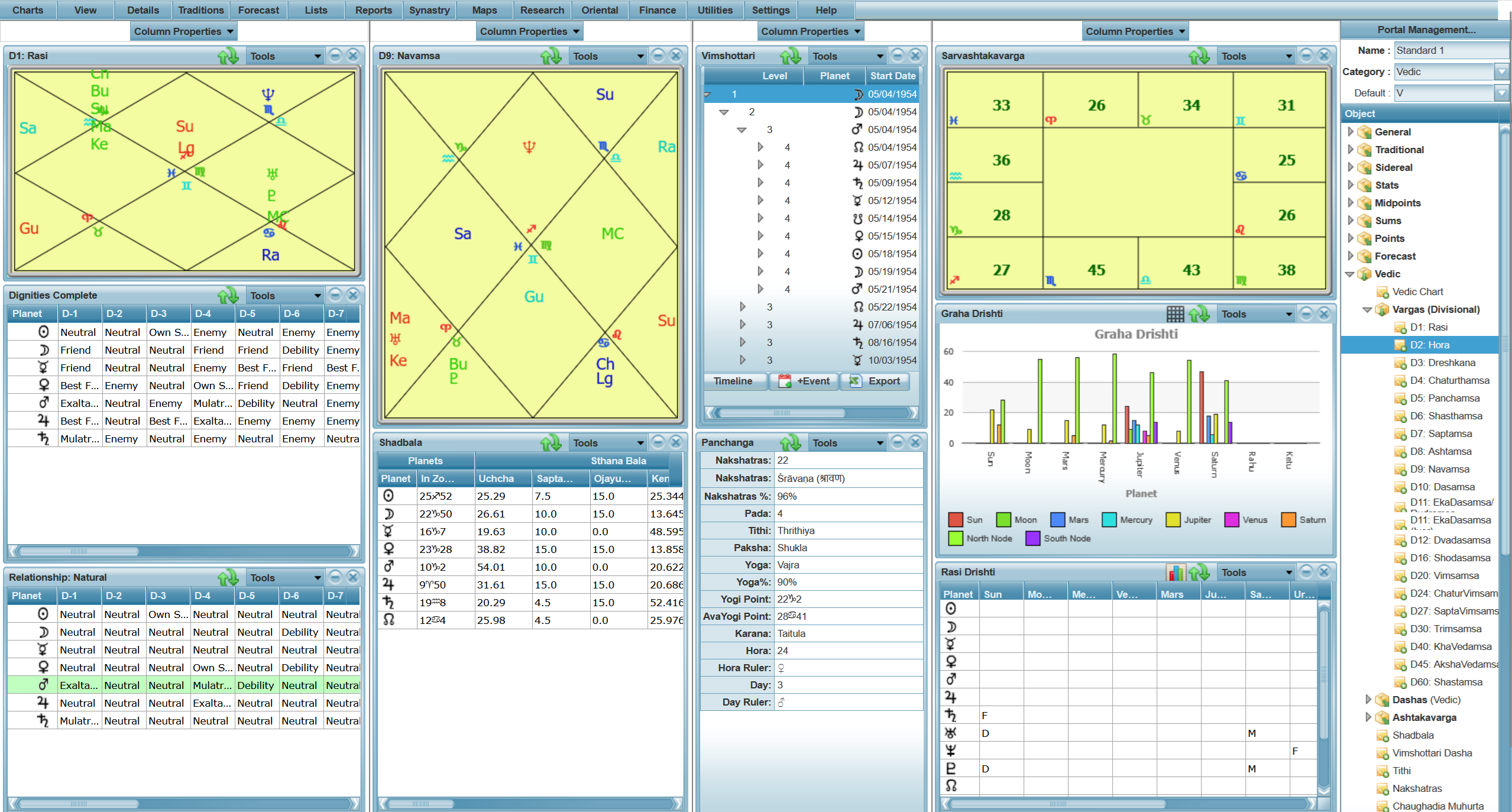
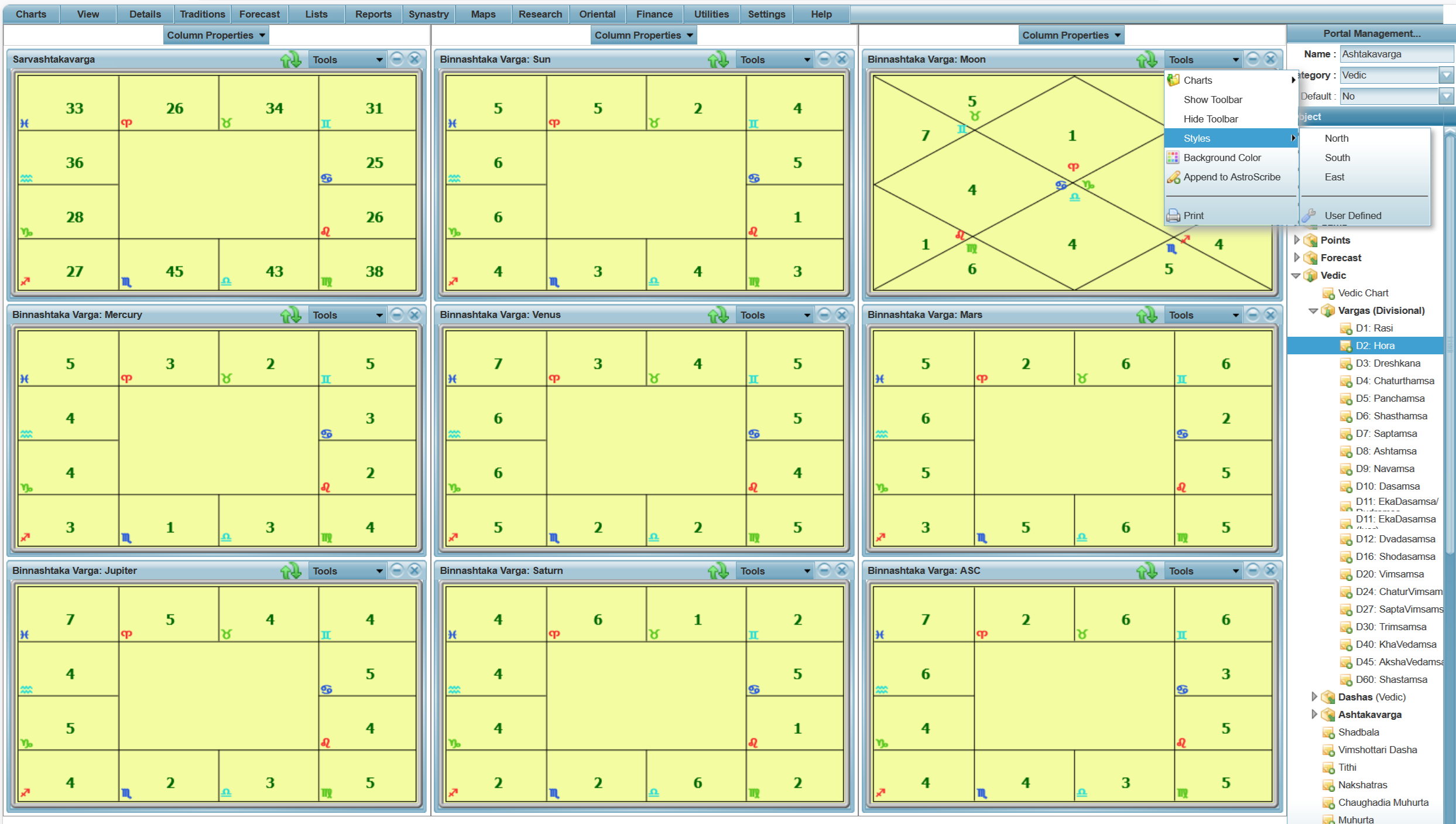
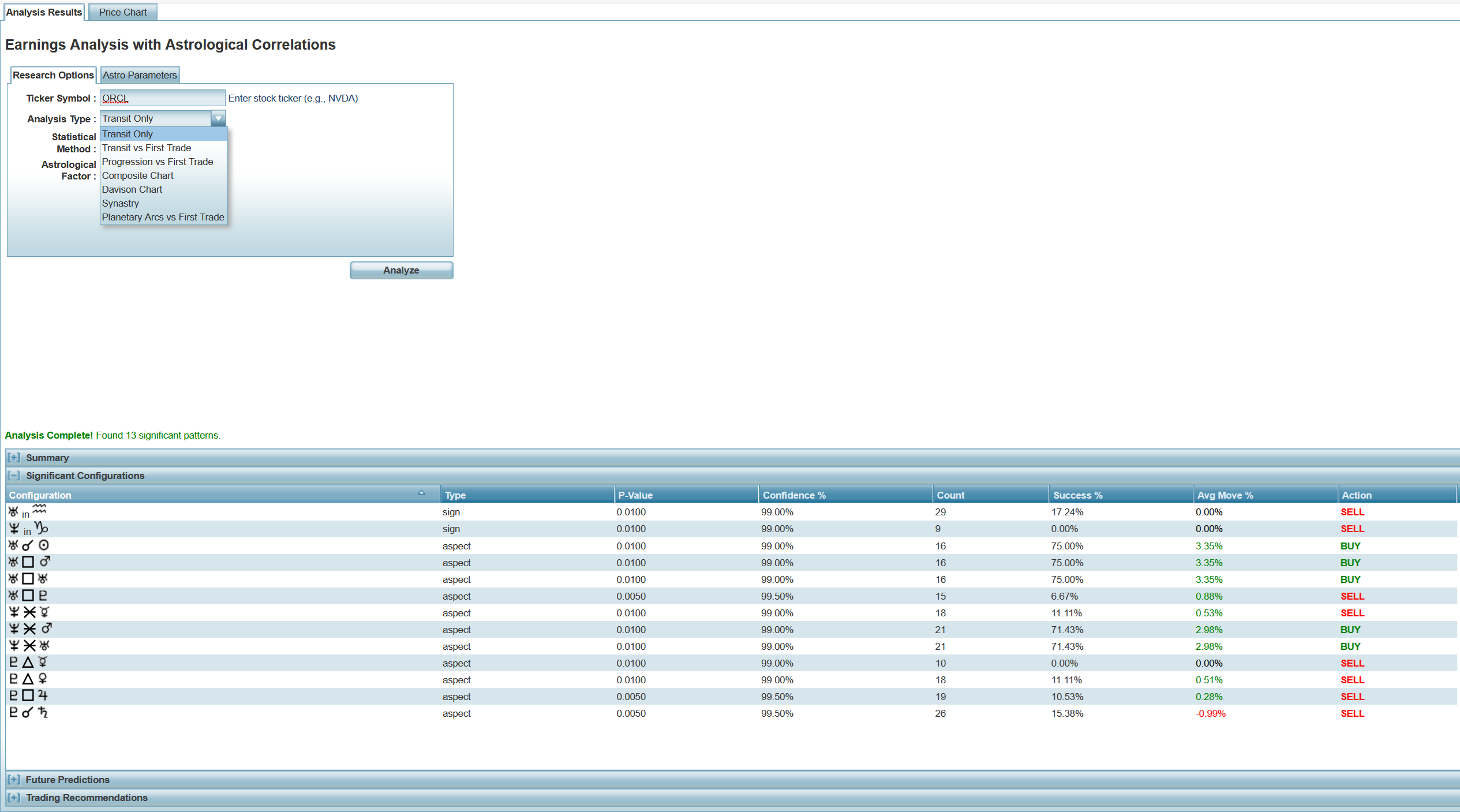
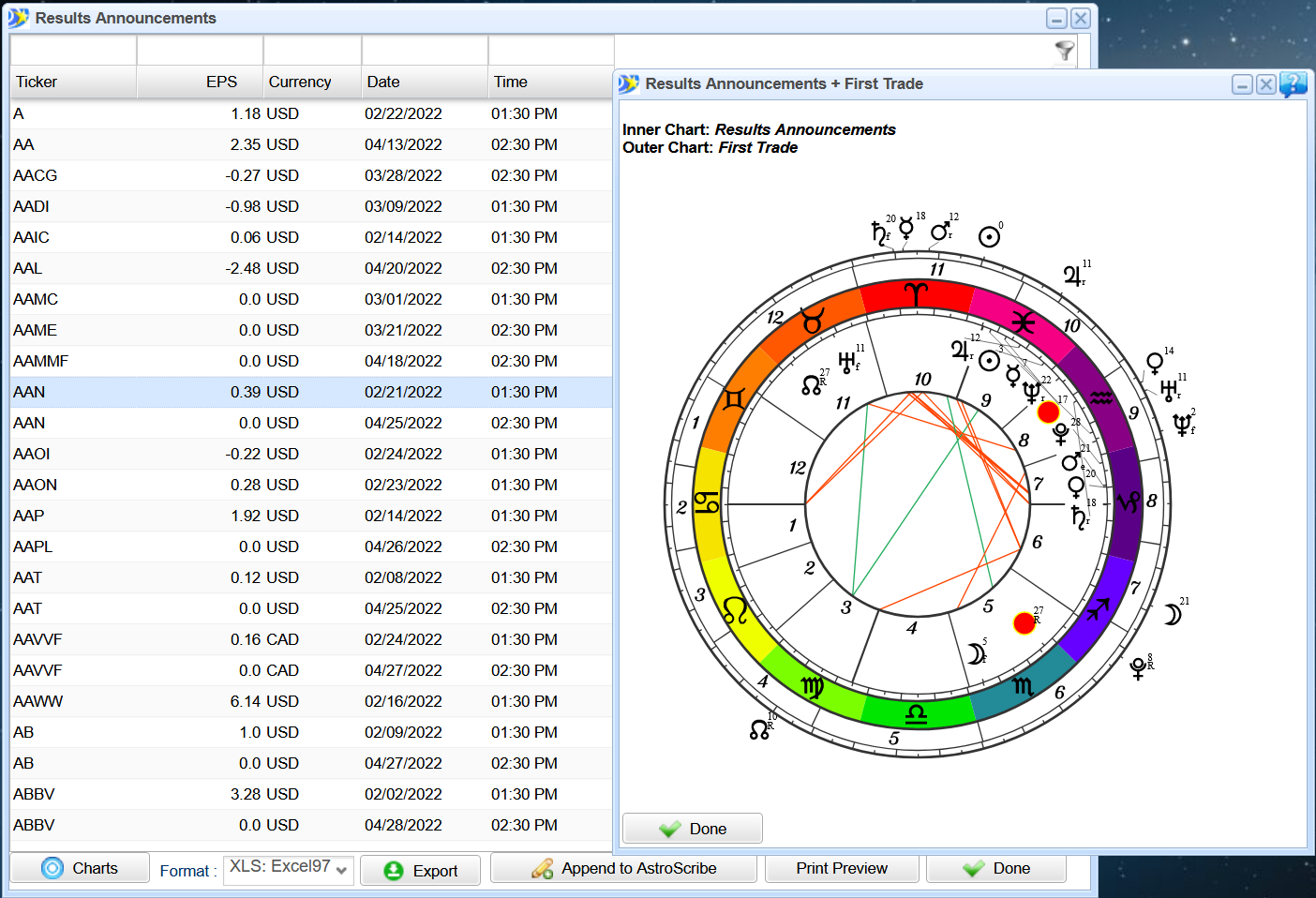
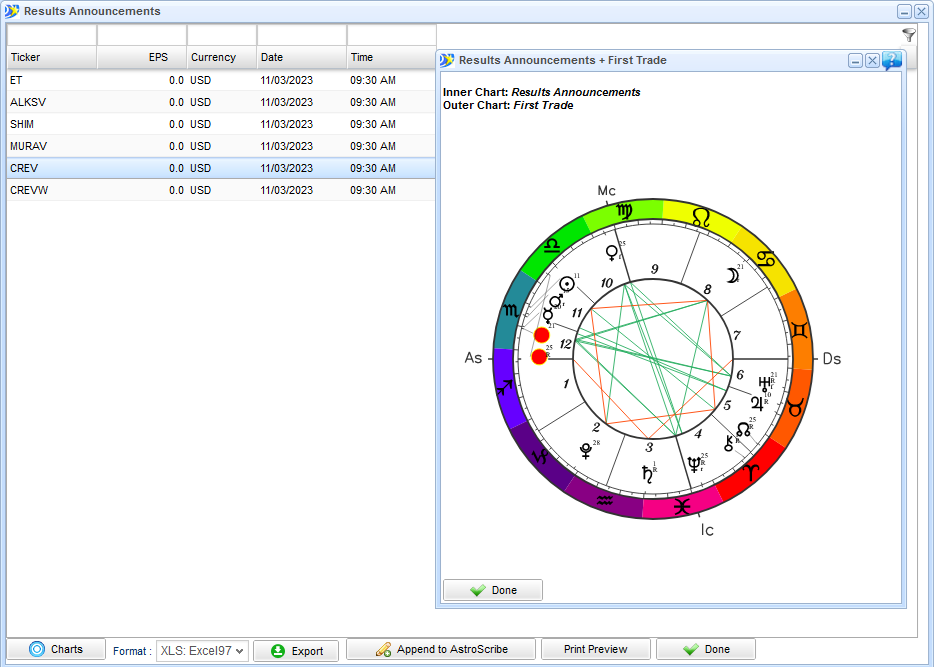
Financial Astrology
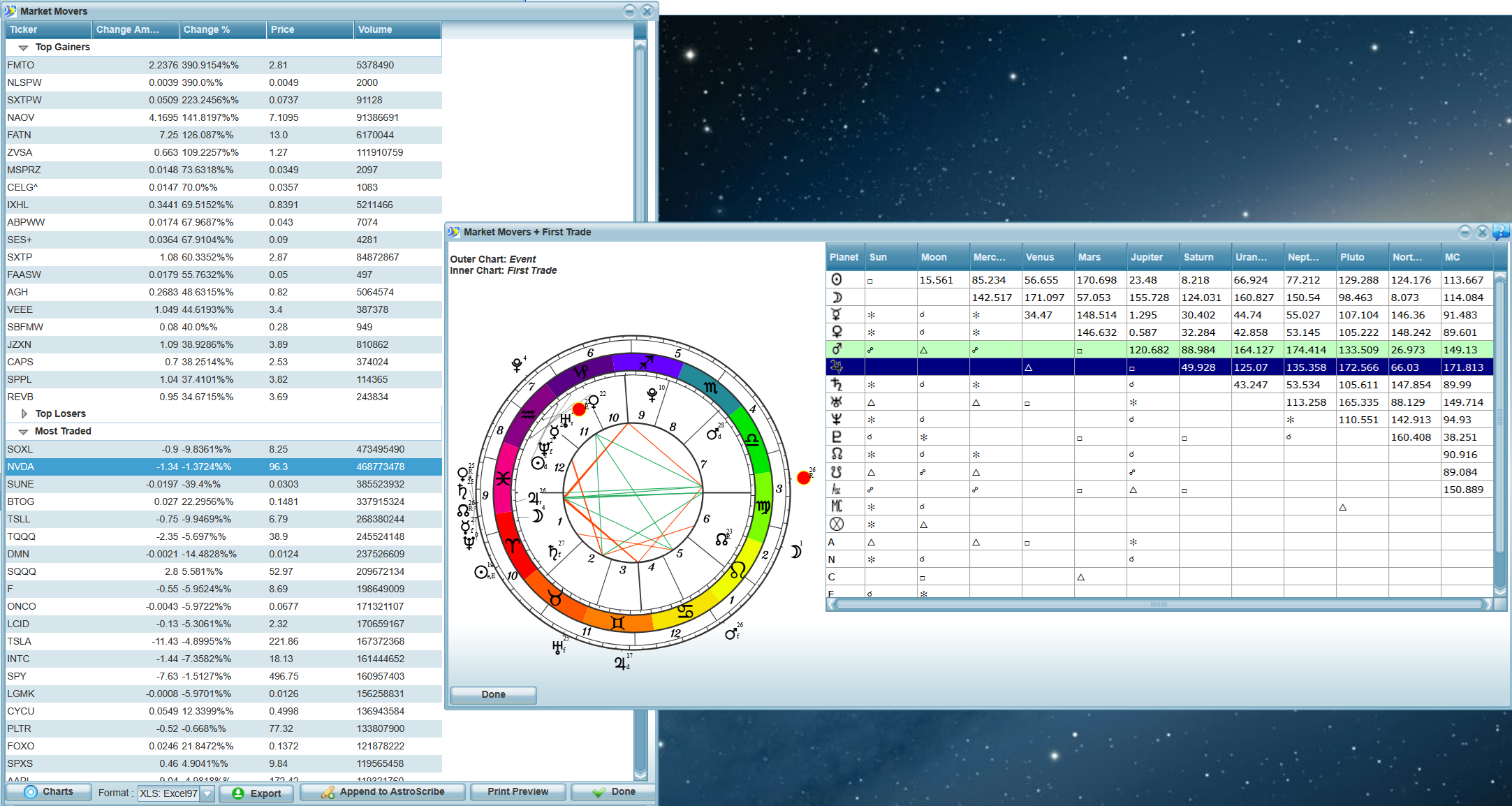
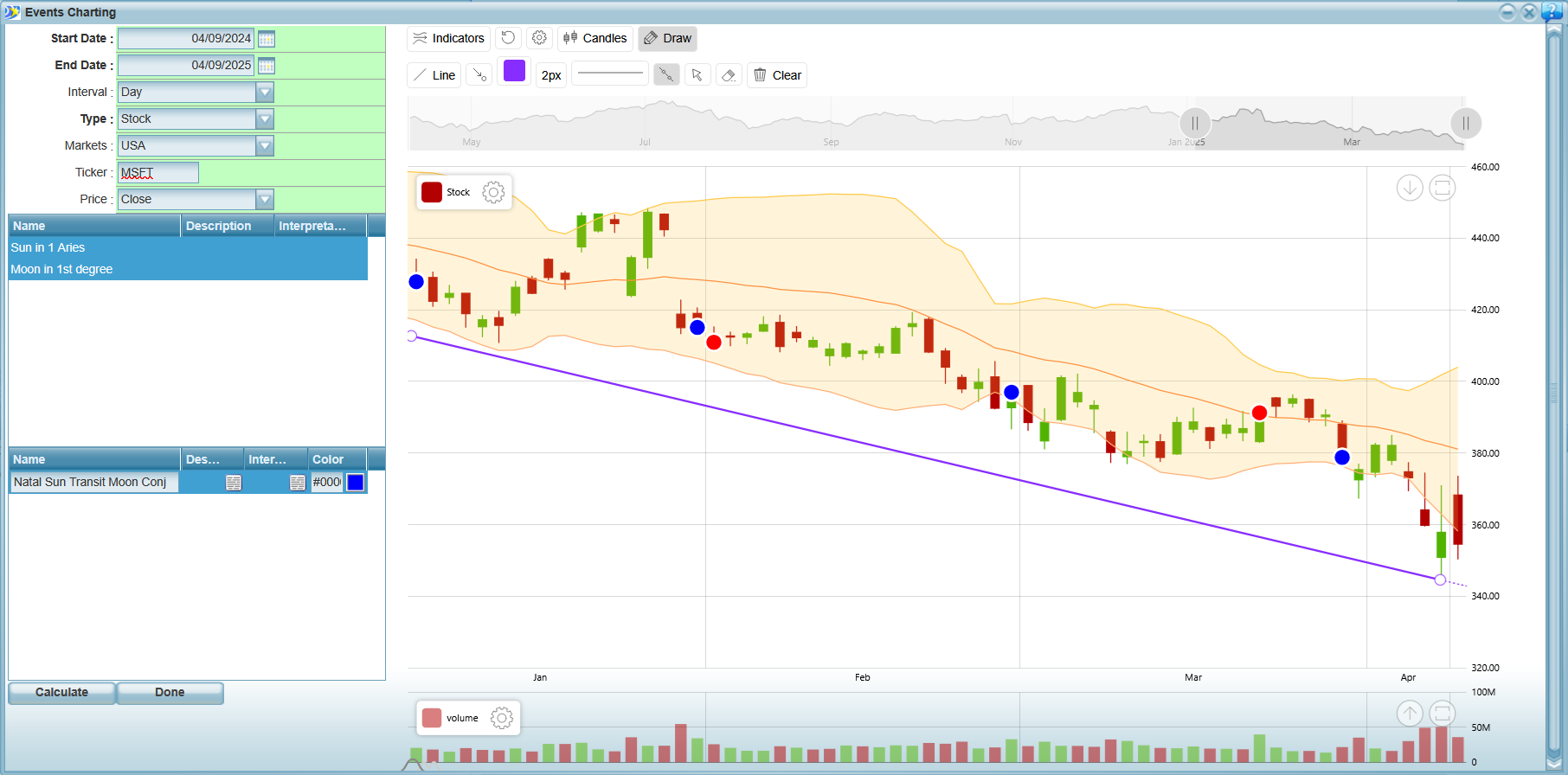
Price charts, events research, earnings and market movers. You can find more in Financial Astrology Software for Traders.
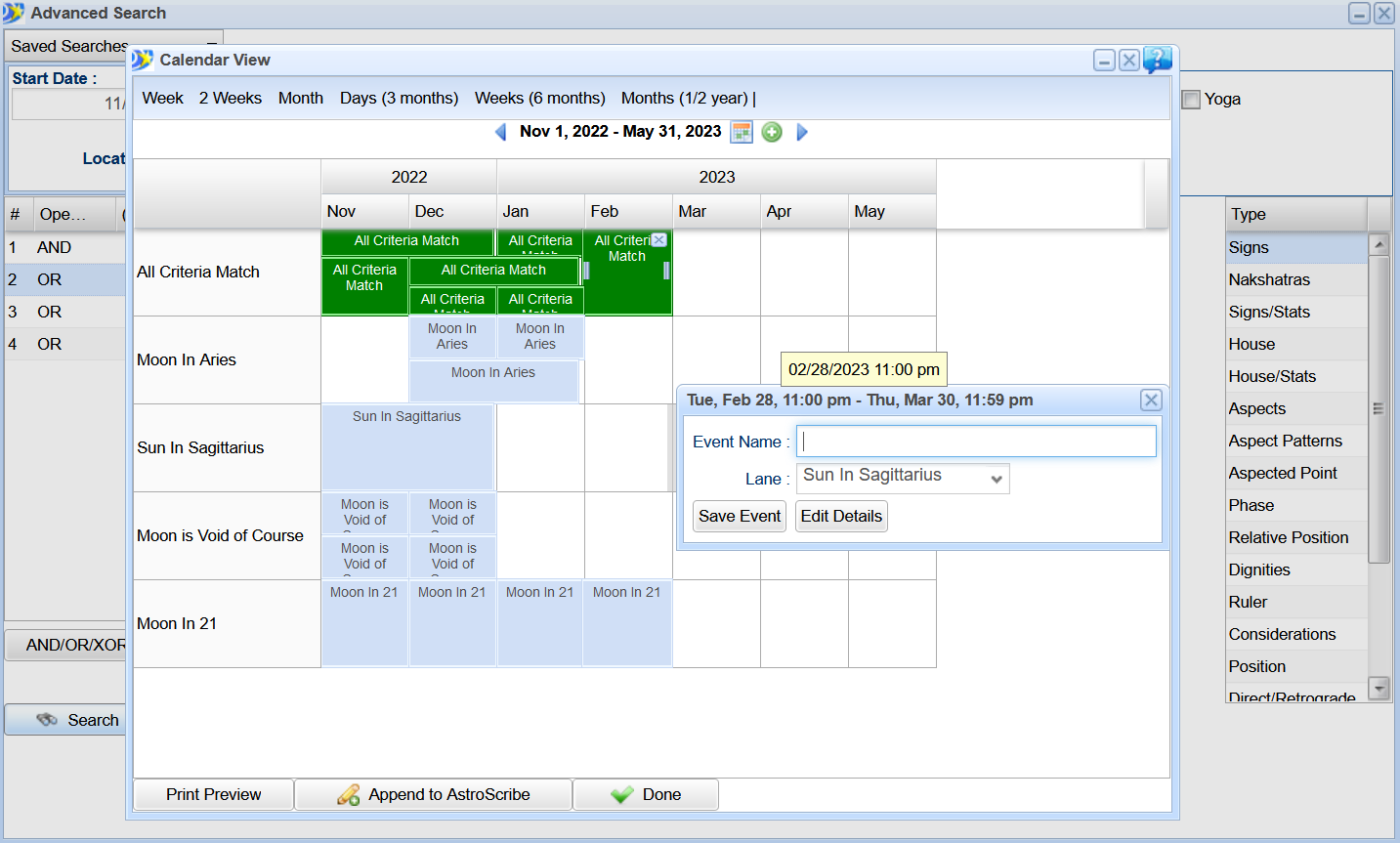
Elections
The Election Scanner and its calendar views. You can find more in Electional Astrology Software.
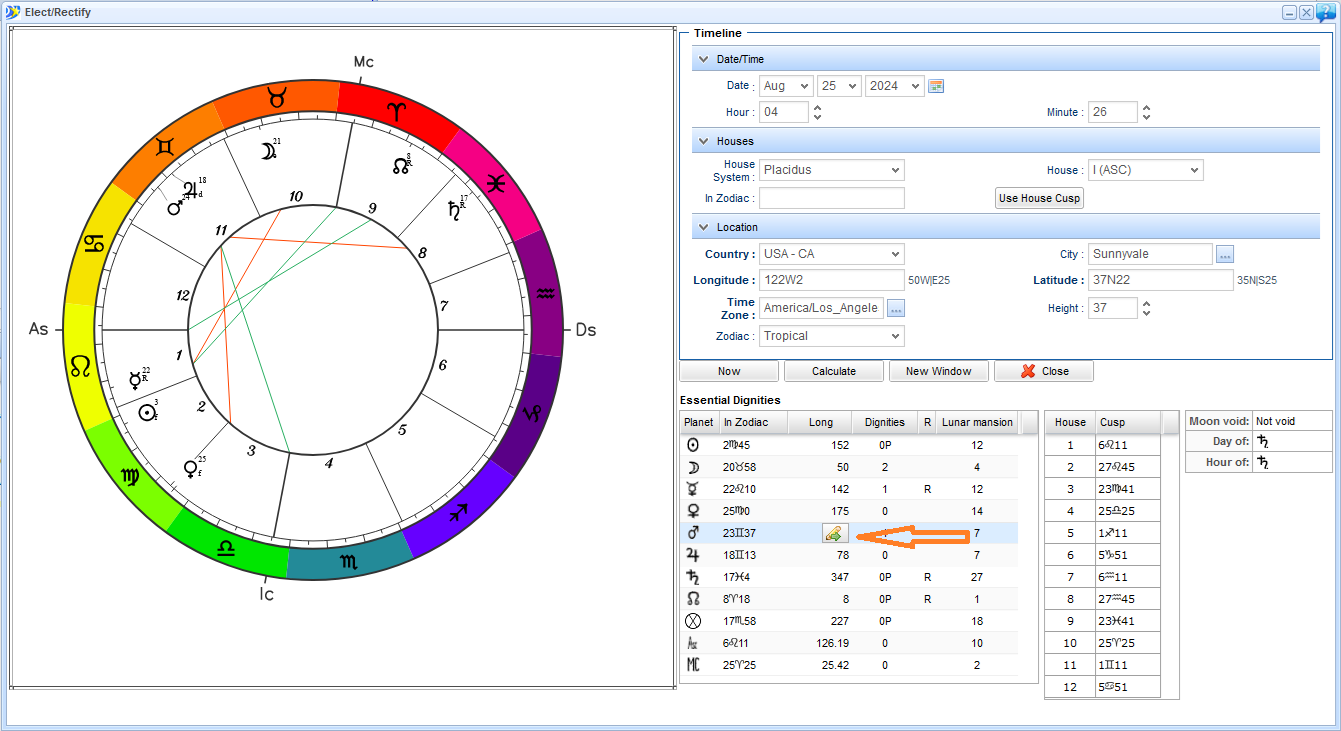
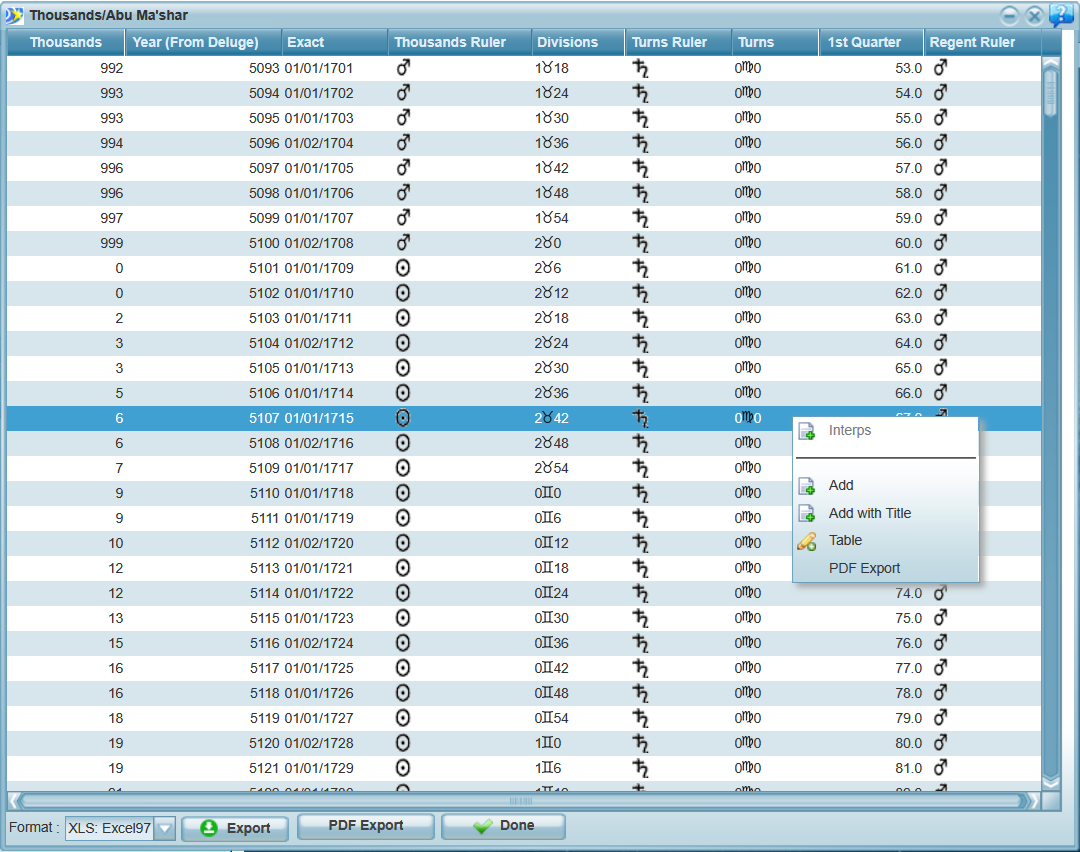
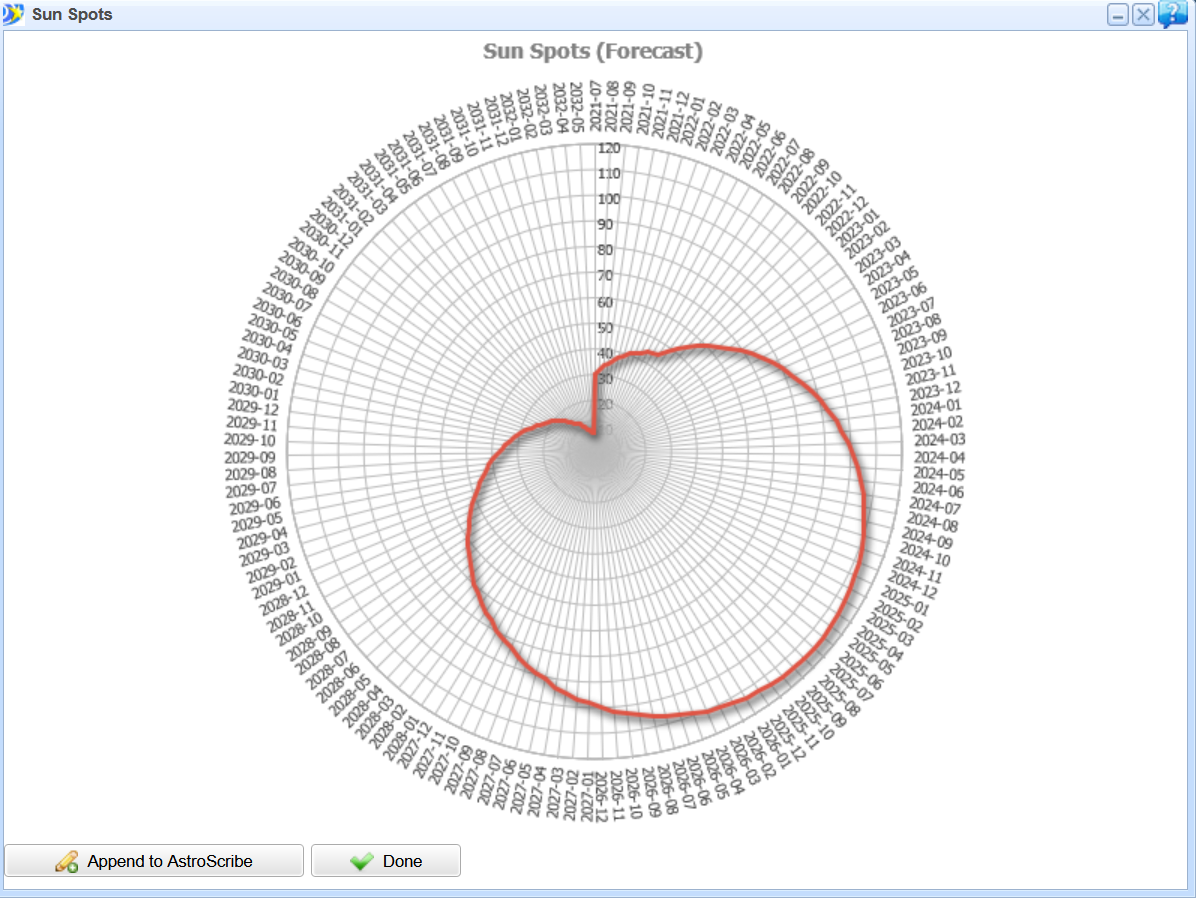
Mundane Astrology
The doctrine of conjunctions, solar spots and world event maps. You can find more in Mundane Astrology Software.
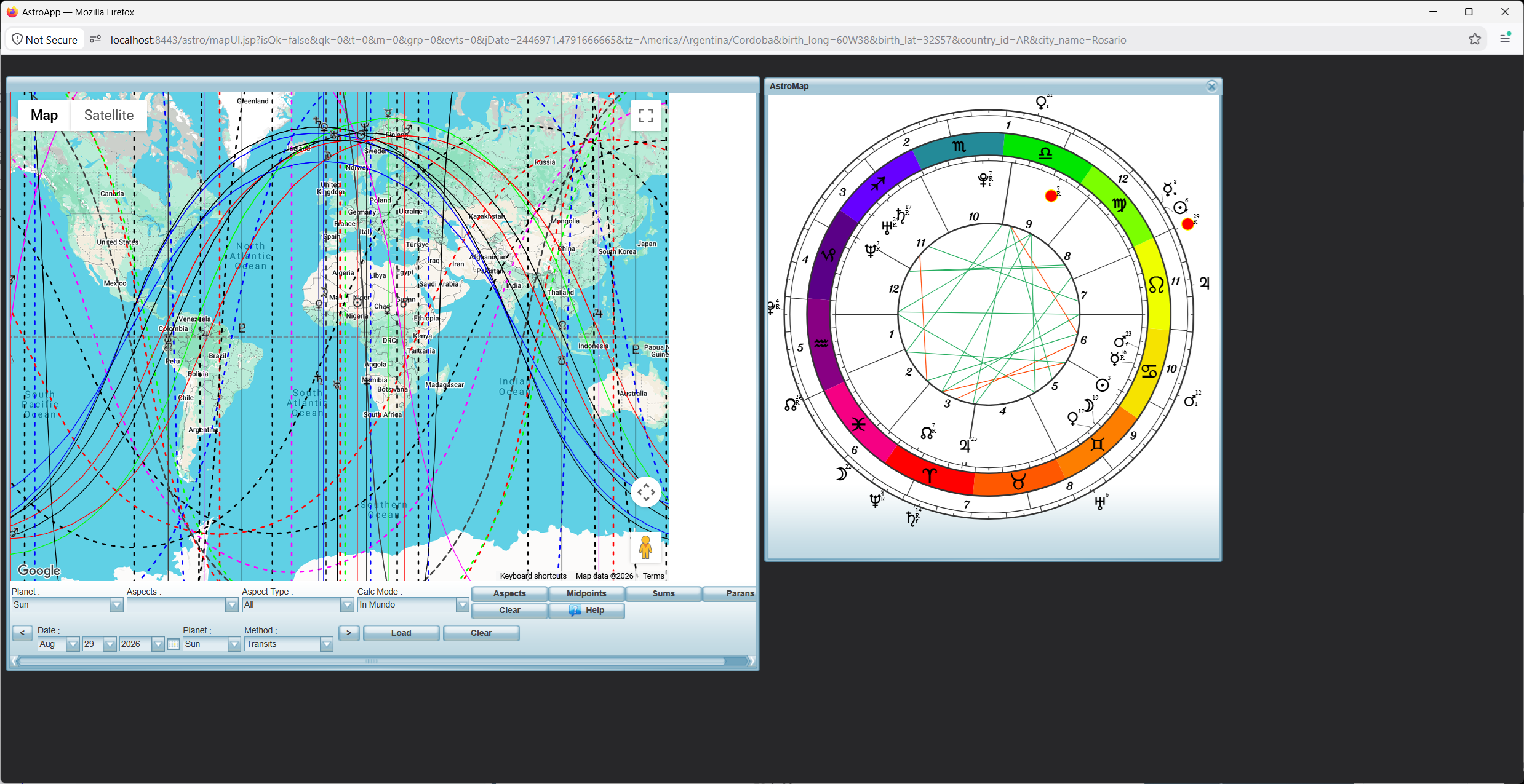
Astro Maps
AstroCartography, Local Space, Geodetic maps and CycloCartography. You can find more in AstroCartoGraphy and Astro Maps.
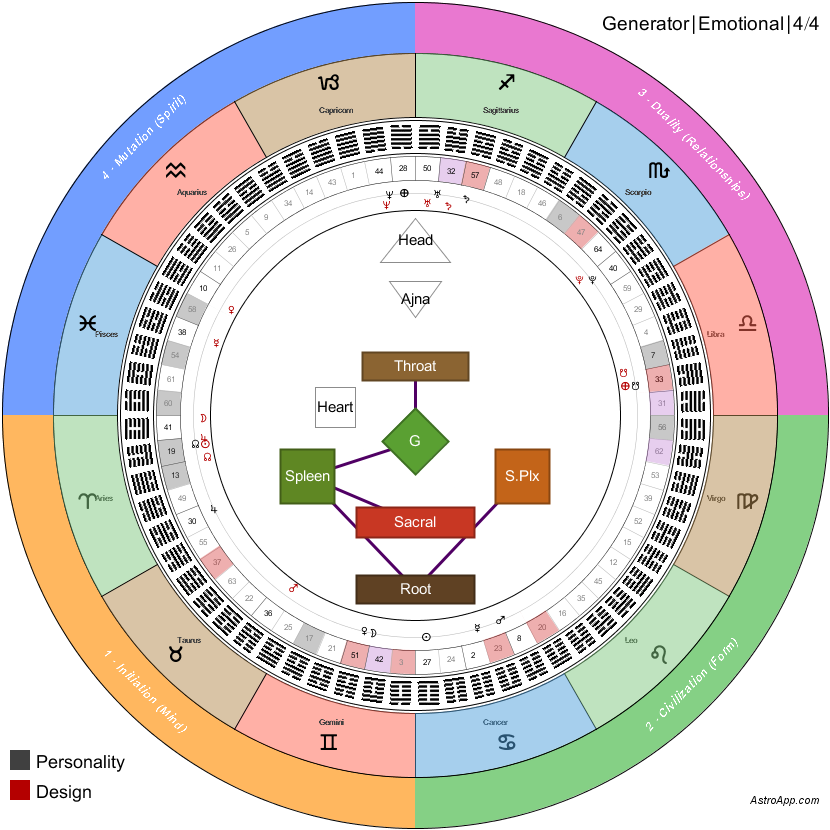
Human Design
The body graph and the mandalas. You can find more in Human Design.
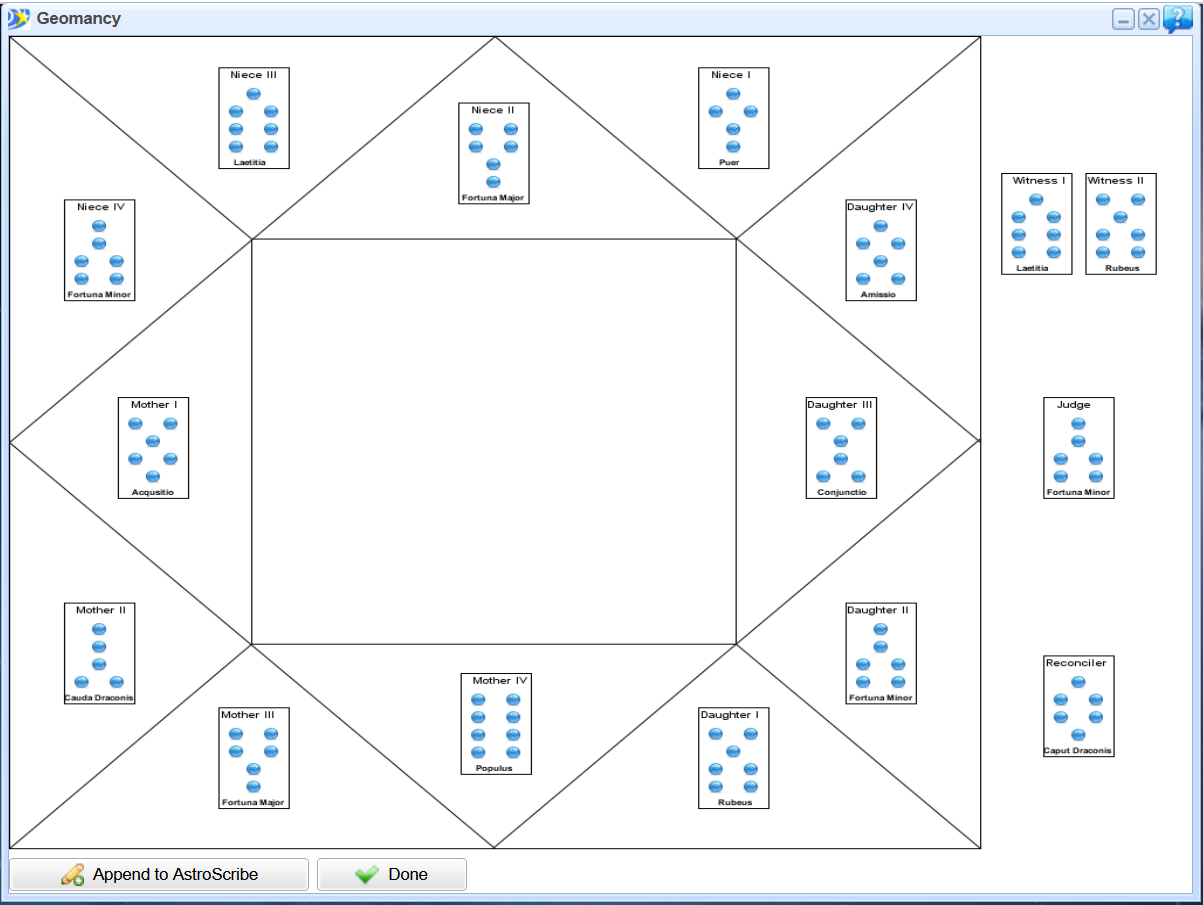
Geomancy
The shield chart and the house chart of the Geomancy module. You can find more in Geomancy Software.
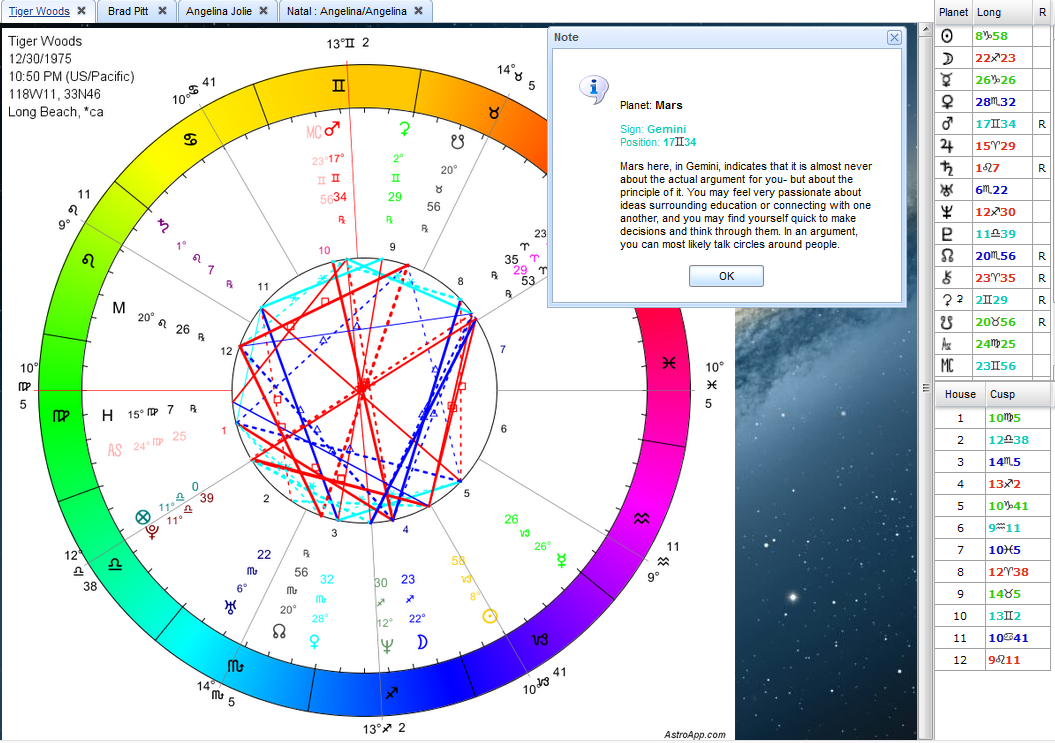
Interpretations
Multiple Interpretation reports are available. You can also see interpretation snippets by clicking on objects in the chart. Additionally, you can create your own Interpretation Reports using the Interpretations Report Editor. You can find more in Interpretation Reports and Report Editor.
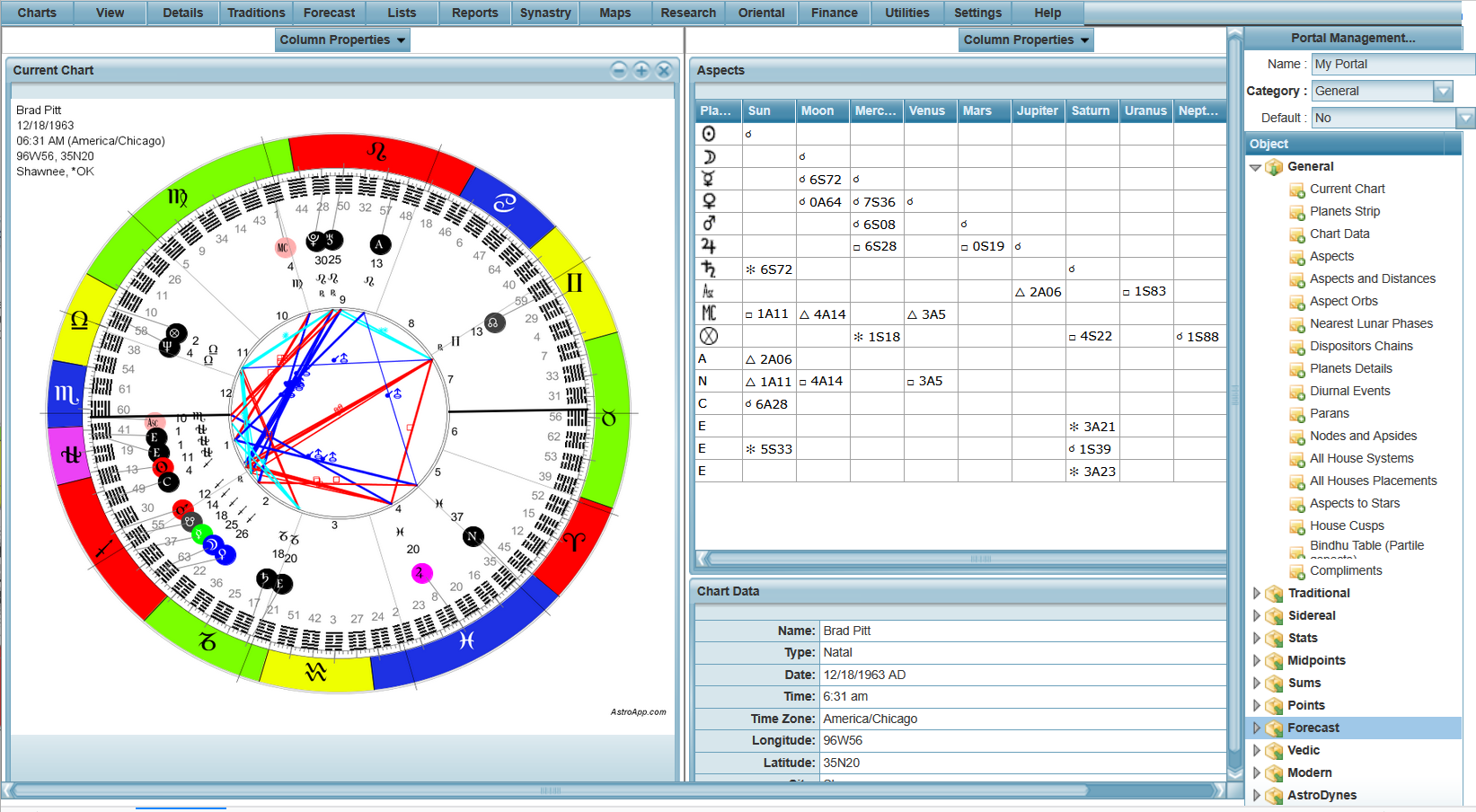
Pages and Portals
The Portal Designer and a finished portal. You can find more in Pages and Portals.
Settings
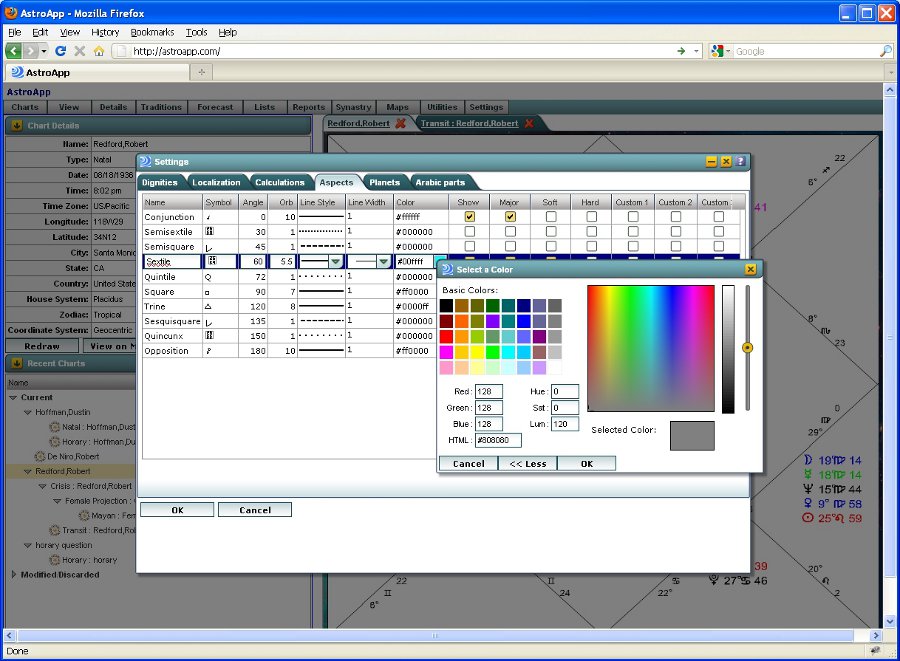
You can configure AstroApp to match your needs and preferences, from various calculation methods to user interface. Almost everything is customizable. You can find more in Settings.
Interface Skins
Three of the 18 interface skins you can choose from. You can see the others in Interface Skins.