Chart Management, Calendars, Ephemeris, Tools
The everyday tools of an astrology practice: managing your charts, clients, events and appointments, calendars, and ephemeris and reference tools.
Besides charts and techniques, AstroApp gives you the tools you need to run an astrology practice. You can manage your charts database and import and export charts, collect the results of every forecast method on one timeline in the Events Manager, and follow the sky in the astro calendar. The Appointments Calendar and the Clients Management System keep your consultations and clients in order, and the Ephemeris Generator and the Points Explorer give you the reference data.
Charts
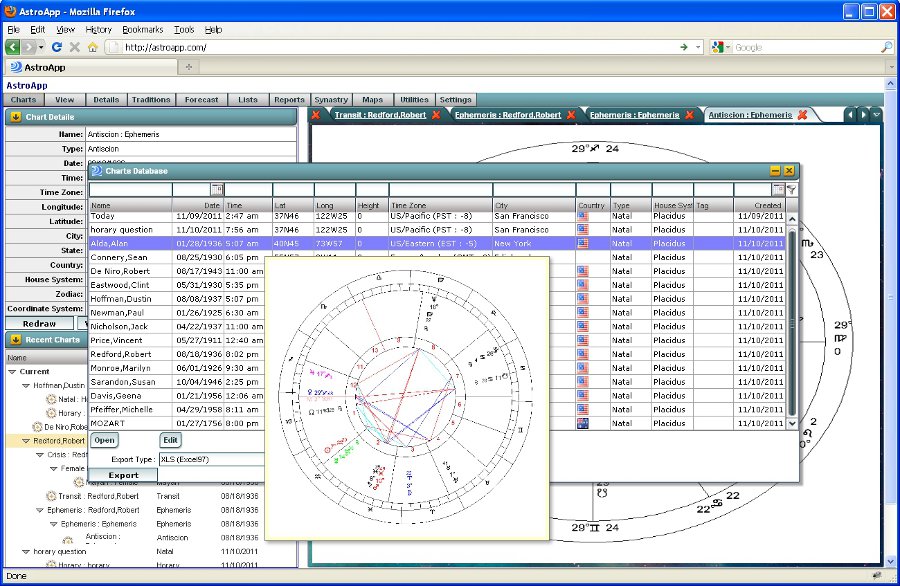
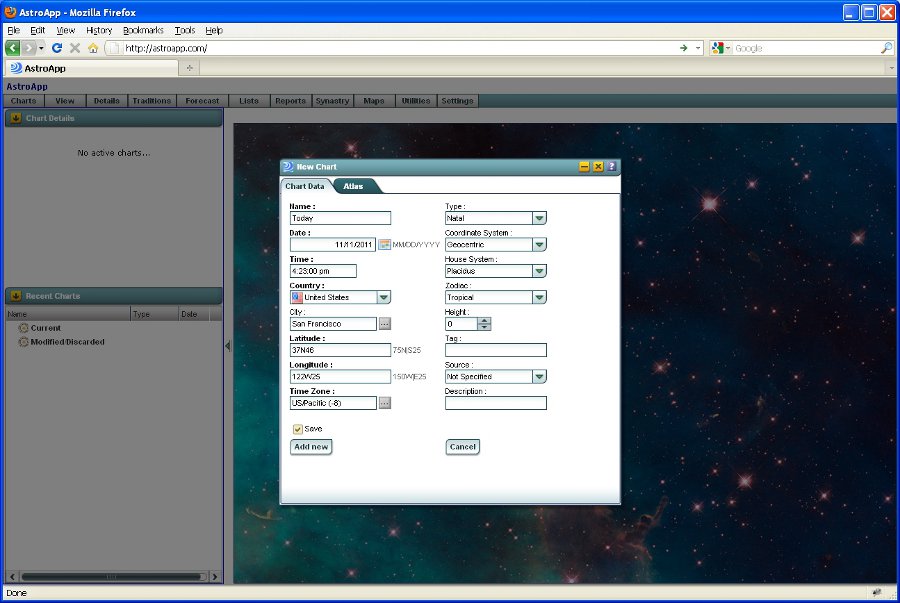
You can create, edit and search your charts, import them from other astrology programs, and export them in QCK (standard astrology charts export format), Solar Fire, Microsoft Excel, CSV, and XML formats. When creating a chart, quickly find geographical locations using the built-in database of cities, hospitals, with the accurate time zone change history, or just type in coordinates in degrees or decimals notations. Customize each entry by tagging the chart type, recording various chart details, such as Rodden accuracy, native's sex, notes, etc. To keep your workspace organized, bookmark frequently used charts as your Favorites, share direct links with clients or on web site. You can also edit charts or delete charts in bulk. You can even set a custom photo as a chart background.
The Events Manager
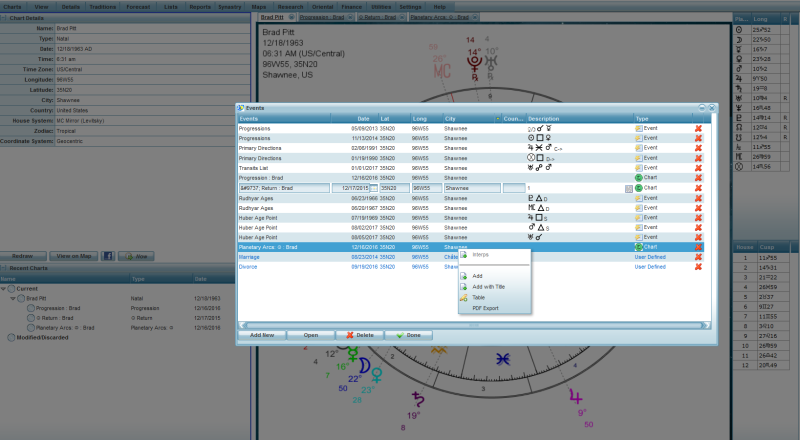
The Events Manager lets you save and keep relevant events from various techniques together with the chart. You can save events from forecast modules (returns, progressions, ingresses, solar arcs and transits) and from the results of every predictive technique: primary directions, progressions, transits, time lord periods and sub-periods, profections, Rudhyar ages and Huber age point aspects. You can also add your own events, and view them all as one list or on one timeline.
Calendars and the Timeline
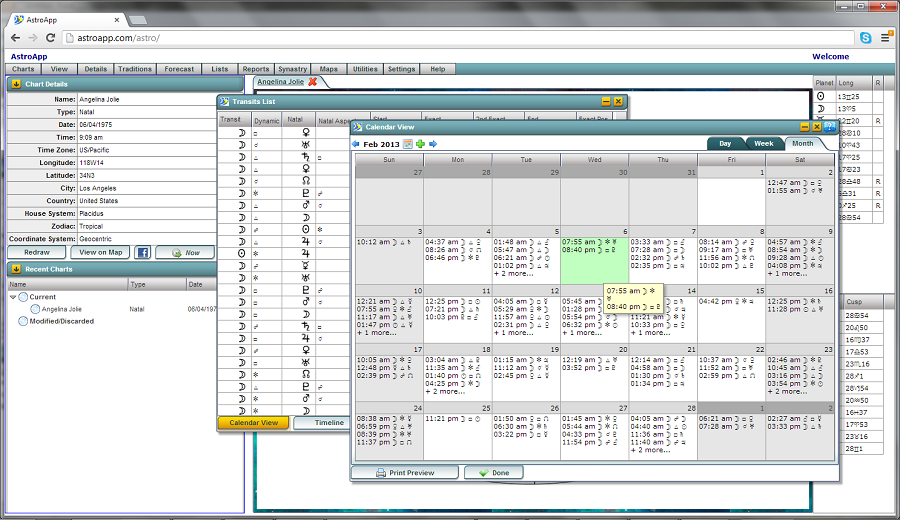
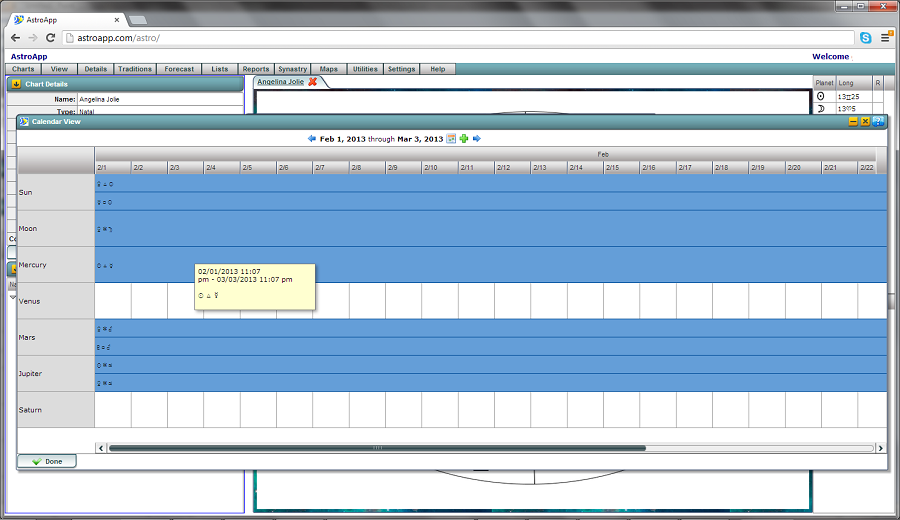
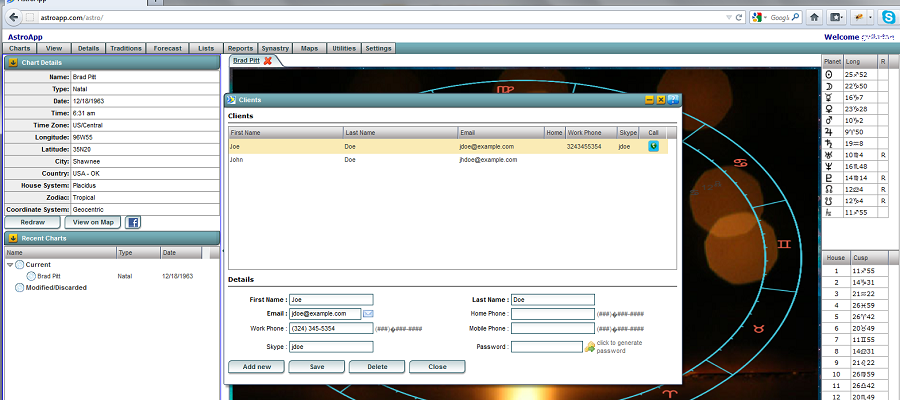
The Astro Calendar shows the sky month by month, and you can select which events to view. The Timeline view shows transits along a Time Map, and the Appointments Calendar keeps track of your consultations and your schedule. In the Clients Management System you manage your clients, share reports and session notes with them in real time. You can also create a Clients Portal to your own website for your customers.
The Ephemeris Generator
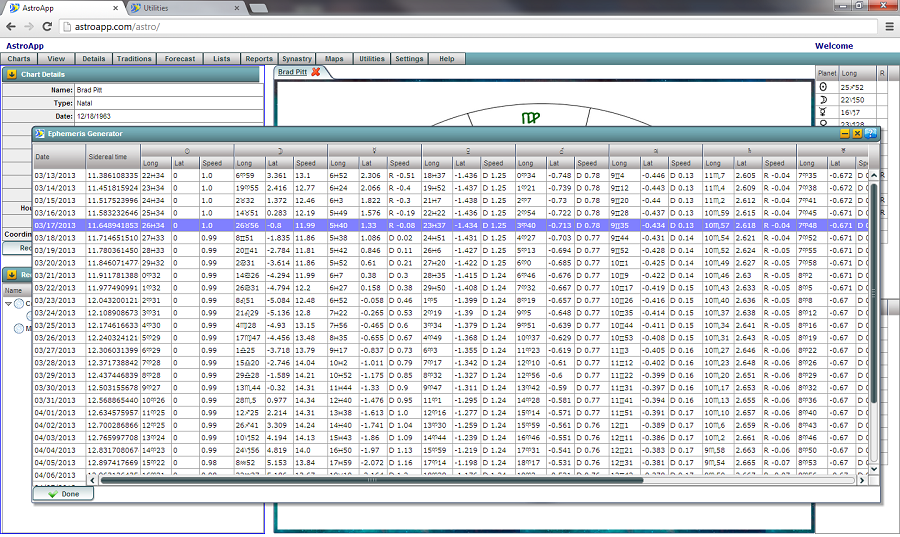
With the Ephemeris Generator you can produce Ephemeris lists for any time period, in both geocentric or heliocentric coordinate systems, in the tropical, sidereal, galactic or 13 Signs zodiac, in ecliptic or equatorial coordinates. You can navigate the list by moving back and forward in time. You also get tables of the sky's events: new and full Moons with the supermoons highlighted, lunar and solar eclipses (all of them, or only those visible from your location), stations, and the nodes and apsides of every object.
The Points Explorer
The Points Explorer tells you everything about any point of the zodiac. Click a planet, a house cusp, a fictitious planet, a deep sky object and so on, and you see its position in equatorial and horizontal coordinates, longitude in the sidereal, galactic and 13 Signs zodiacs, traditional dignities of the selected degree, its lunar mansion, its traditional degree qualities, its Sabian symbol, and all its aspects, midpoints and harmonics.
Tables and Export
You can export most tables to Excel, XML and CSV, and print any table to PDF with a print preview option. You can save a chart as an image, with or without the chart details, export it as a Word document or PDF. You can export interpretation reports to HTML and PDF.
Frequently Asked Questions
Can I import charts from another program?
Yes. You can import charts from other astrology programs and export them as QCK files, in the Solar Fire format, and in CSV and Excel formats.
Can I combine events from multiple predictive techniques in a single list?
Yes, you can use Events Manager to keep any chart-specific events in one place.
Which coordinate systems does the ephemeris use?
You can generate a geocentric or heliocentric ephemeris in the tropical, sidereal, galactic or 13 Signs zodiac, in ecliptic or equatorial coordinates.
Can I export AstroApp tables?
Yes. You can export most tables to Excel, XML and CSV, and download and print every table as a PDF. You can also export every table in HTML format using the AstroScribe tool.