Settings: Dignities, Aspects, Orbs, Colors, Fonts
Set AstroApp up to work by your own rules, from dignity systems, orbs and aspects to colors, fonts, date formats and privacy, and take your settings with you as a file.
You decide which rules AstroApp follows: the rulership scheme, the terms, the triplicities, the combustion rule, the definition of void of course, the orbs and the aspects. You also choose the colors, fonts and backgrounds of your charts and how dates are written. You can export your settings to a file and import them again, so a school can give its students one configuration and you can use the same rules in another account.
Dignities
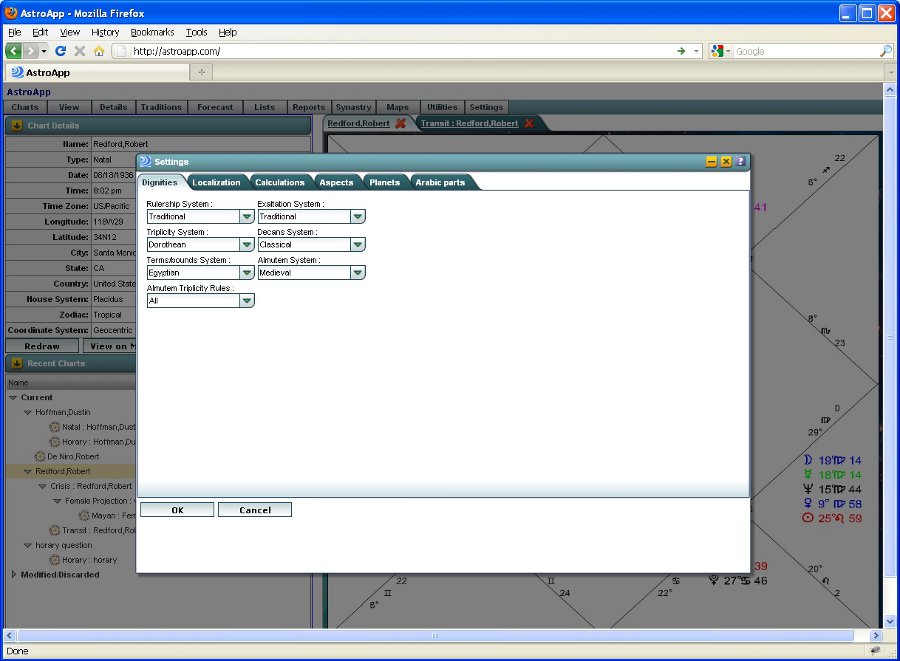
Your dignity settings apply to every dignities table, wheel and protocol. You can choose:
- sign rulership systems, the esoteric and hierarchical rulerships among them, and the exaltation systems
- decan and face systems, and triplicity systems, with the Morinus and Schöner triplicities
- 10 terms and bounds systems
- combustion rules and peregrine rules
- five almuten systems: Hellenistic, medieval Western, medieval Persian, Renaissance and the magical tradition
- three scoring systems
- eight definitions of the void of course Moon, from the Hellenistic, medieval, Renaissance and modern traditions
- the Galactic Center position, the Generalized Planetary Hours method, and true or mean lunar nodes
Aspects and Orbs
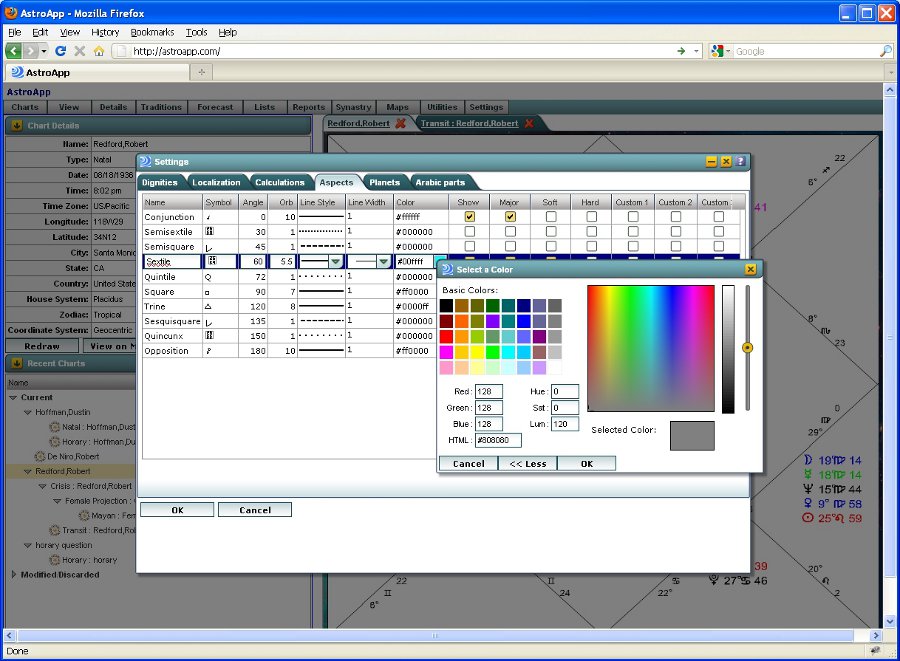
You can set orbs by aspect and by planet, or use moieties. Aspect sets let you keep a different group of aspects for each type of work, and you can define your own aspects. On the chart, you choose each aspect's color, its line style by aspect and by applying or separating, and its line width by aspect and by the tightness of the orb. Highlighting modes grade each aspect by its orb, and you can show or hide the aspect glyphs.
Planets and Objects
For every planet you choose whether it appears in charts and tables, its color and its moiety. You can add any Arabic part, fixed star, fictitious or unknown planet, special point, dark star or asteroid to your charts, and save the objects you use together, such as stars, planetoids, dark planets and Arabic parts, as custom object sets. With the Arabic Parts Editor and the Special Lagnas Editor you can create new points.
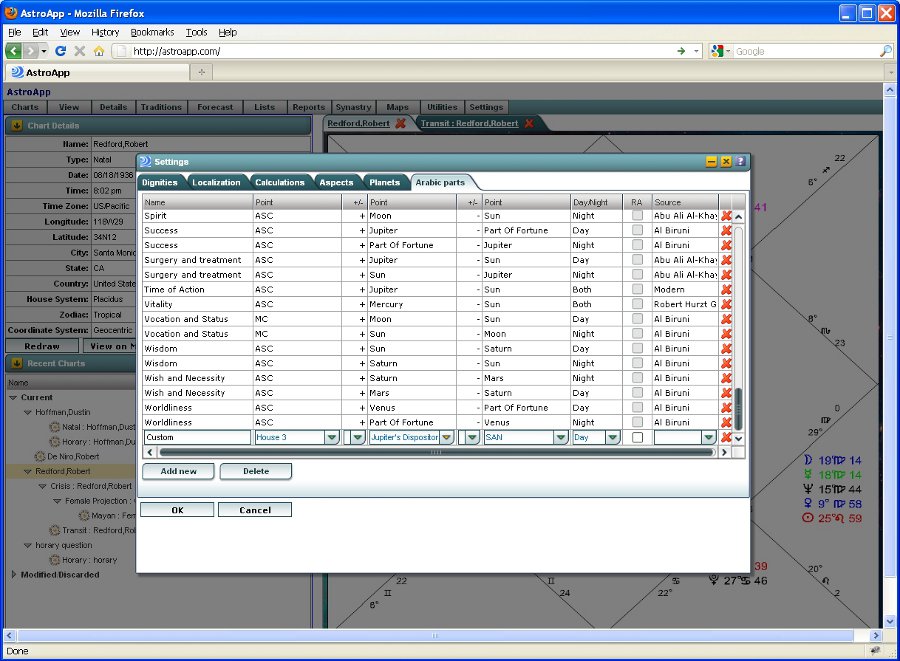
Chart Drawing, Colors and Fonts
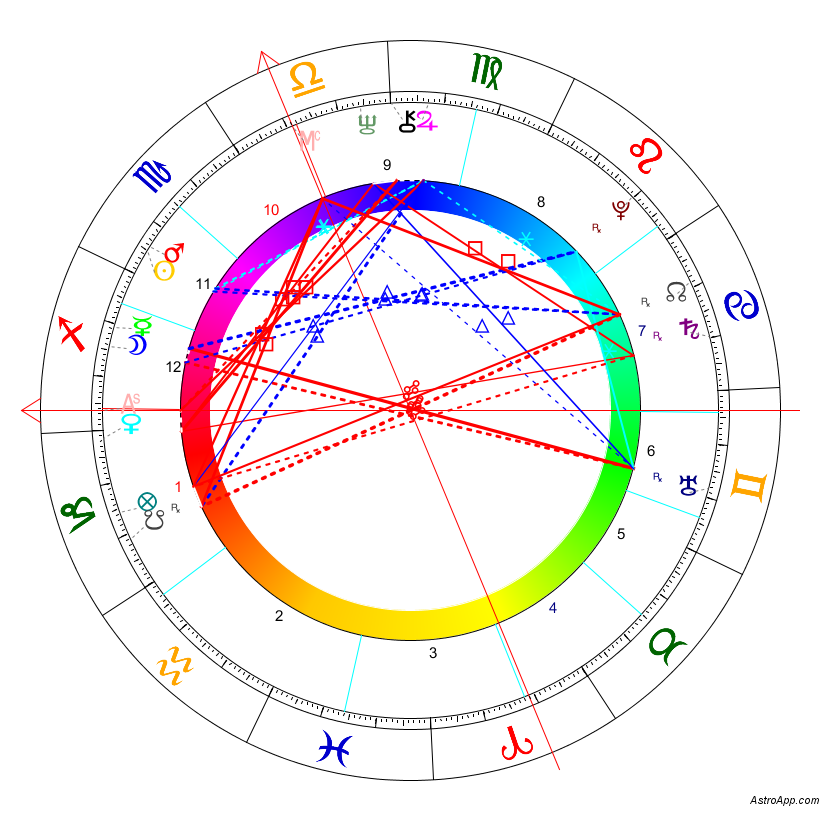
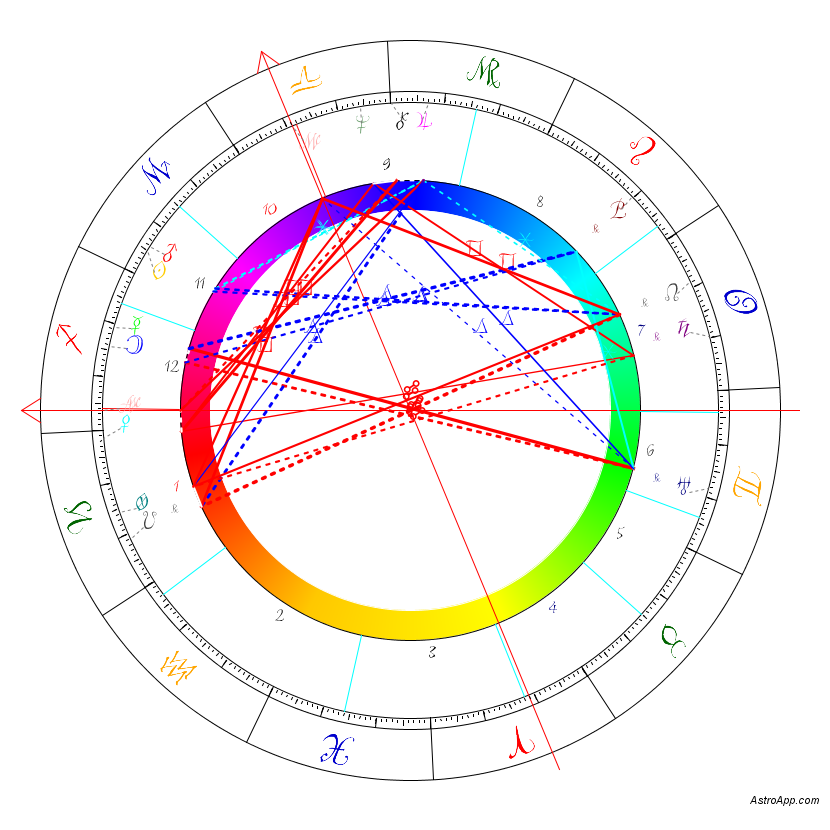
You can make any chart style your default. You set the colors of the signs, house numbers, planets, aspects and background, style or hide the house cusp lines, and show or hide the stationary indicator. You can also use your own picture or photograph as the background of a chart or a page. More than 10 astrological fonts are available for every chart and graph, and you can adjust how charts fit the screen on any device and screen size.
Language, Dates and Time
You choose the interface language, the time format and the date format, from seven date formats including the American, European, Asian and ISO orders. You can enter chart names in any alphabet or language. You can find the supported languages in Localization.
Privacy
You can store your charts encrypted. You decide whether your account allows sharing of charts and AstroScribe notes, and you can hide the chart details from the chart image, so a client's data does not appear in a picture posted on a social network.
Oriental Settings
For the Oriental Astrology tools, you can set the correspondences of the I Ching hexagrams to the zodiac, the houses, the planets and the degrees, and the colors of the Chinese elements.
Frequently Asked Questions
Can I use my own orbs?
Yes. You can set orbs by aspect and by planet, or use moieties, and keep different orbs for different types of work in separate aspect sets.
Which terms and triplicity systems can I choose?
You can choose from 10 terms systems (Egyptian, Chaldean by day and by night, Valens, Ptolemy in three versions, Hephaistio, Vedic and Iberian) and from the Dorothean, Ptolemaic, Morinus and Schöner triplicities.
Can I move my settings to another account?
Yes. You can export your settings to a file and import them into another account.
Are my charts private?
Yes. You can store your charts encrypted, switch off sharing, and hide the birth data from chart images.
Can I add my own aspects and Arabic parts?
Yes. You can define new aspects in the aspects settings, and create Arabic parts from any objects, house rulers and dispositors in the Arabic Parts Editor.
See Also
- Chart styles and Interface skins
- Localization
- Medieval tradition, where the dignity systems are used