Astrology Software on Your Phone and Tablet
Access every feature of your edition directly in your browser on any phone or tablet, with no downloads or installation required.
AstroApp works seamlessly across phone, tablet, and desktop, right in your web browser, with zero software to install or update. On smaller screens, the layout automatically transforms into a clean, mobile-optimized experience with collapsible menus, inline forms, and responsive displays that adjust to portrait or landscape mode. Because your charts, settings, and customized views save directly to your account, everything is ready and waiting whenever and wherever you sign in.
Devices
All you need is a modern browser. You can use AstroApp on:
- iPhone and iPad
- Android phones and tablets
- Mac and Windows laptops and tablets, Linux computers
- browser-enabled smart TVs
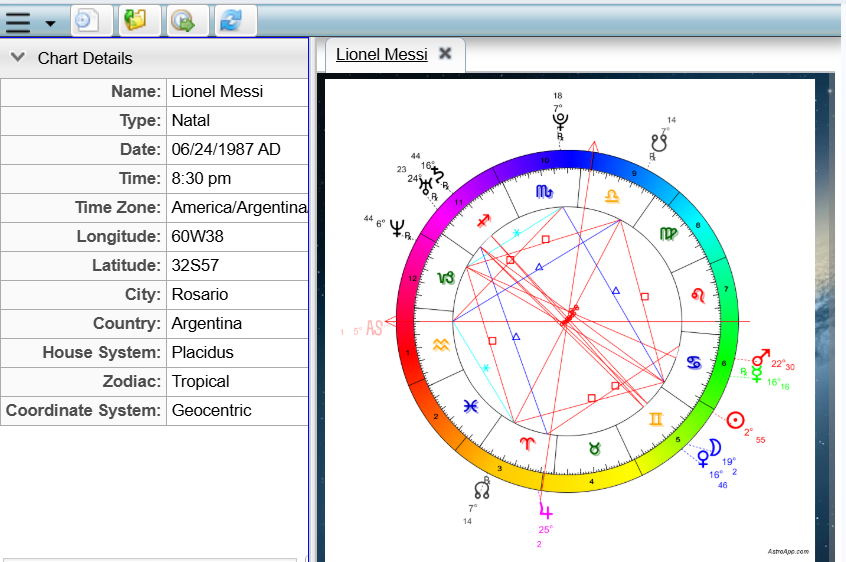
On mobile devices, long menus scroll effortlessly, and chart images automatically scale to fit your screen. You also have full control to customize whether charts resize automatically to fit any screen display.
The Mobile Interface
The mobile interface delivers every feature of the full application, tailored for smaller screens. Entering birth data is simple thanks to a simplified mobile form. Dialogs and forms open seamlessly inline rather than popping up in separate windows, and main navigation collapses into a modern hamburger menu. If you love the clean feel of the mobile layout, you can easily use it on desktop devices too, or even design your own custom phone layouts using the built-in Portal Designer.
What Runs on a Phone
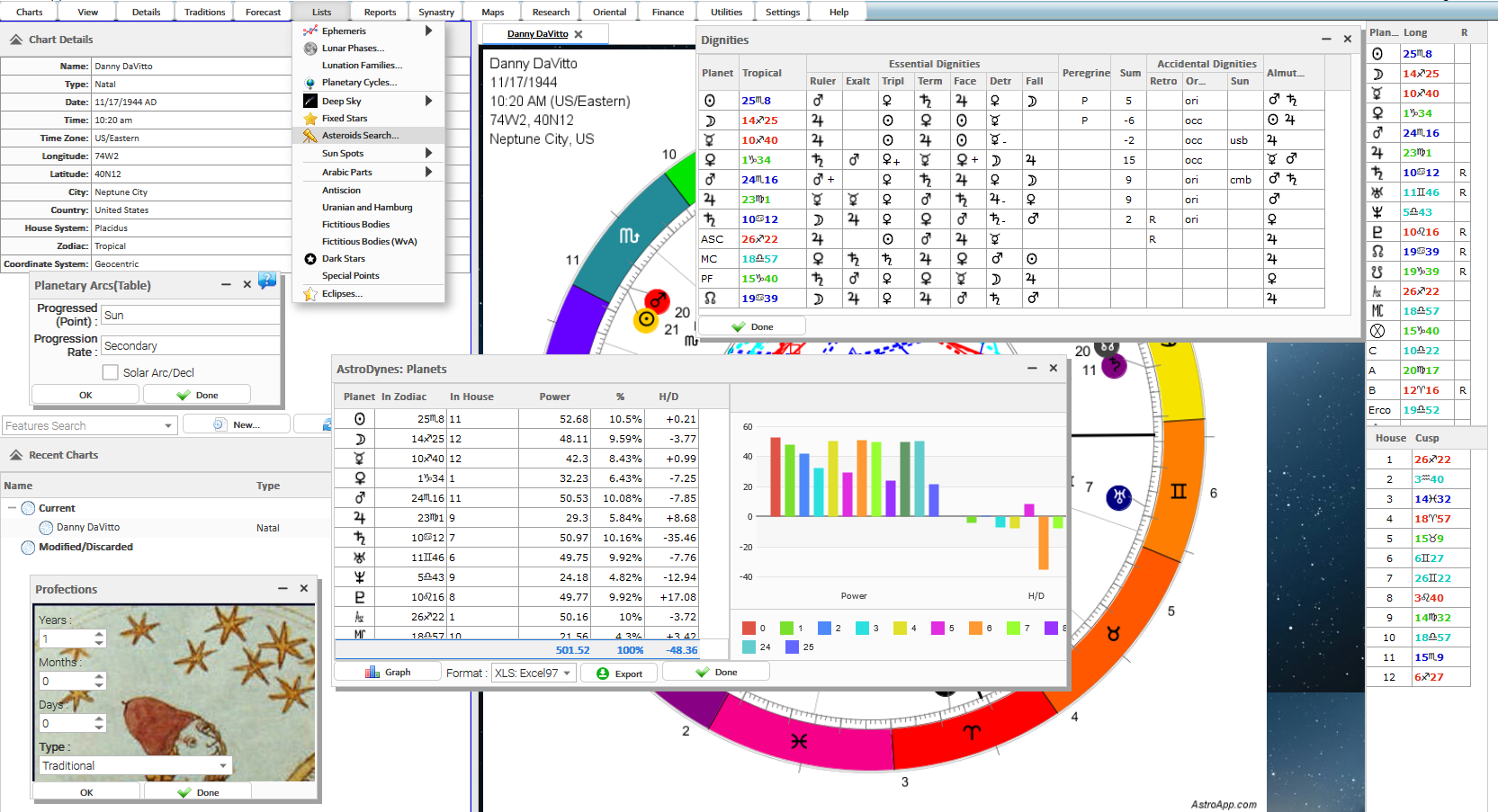
You get every feature of your edition on your phone, in both portrait and landscape modes. Access every chart style, including artistic wheels, alongside AstroCartography maps, the Deep Sky module, medical projections, Synastry previews, Linear Transits, Midpoint trees, calendars, and so on. You can even set custom photos from your phone as chart backgrounds.
Frequently Asked Questions
Is there an app to install?
No. AstroApp runs in the browser of your phone or tablet, and switches to the mobile interface automatically on a small screen.
Are my charts on the phone the same as on the desktop?
Yes. Your charts, settings and pages are stored in your account, so you see the same data on your phone and on your desktop.
Does everything work on a phone?
Yes, every feature of your edition works on a phone. Some tools, such as the Page Designer, are easier to use on a tablet or a desktop.
Can I use the mobile interface on my desktop?
Yes. You can switch to the mobile user interface on any device including desktops and laptops.
See Also
- Interface Skins
- Settings, including screen fitting
- Pages and Portals