AstroApp: Astrology Software in the Browser
What AstroApp is and how it works: professional astrology software for every tradition, running in a web browser on any device, in editions for the astrology you practice.
AstroApp is professional astrology software that runs in your web browser. Sign in from any computer, tablet or phone, and your charts, settings and pages are waiting for you. There is nothing to install, download, upgrade or back up. We have been developing AstroApp since 2008, and it covers almost every tradition of astrology, from Hellenistic to Financial.
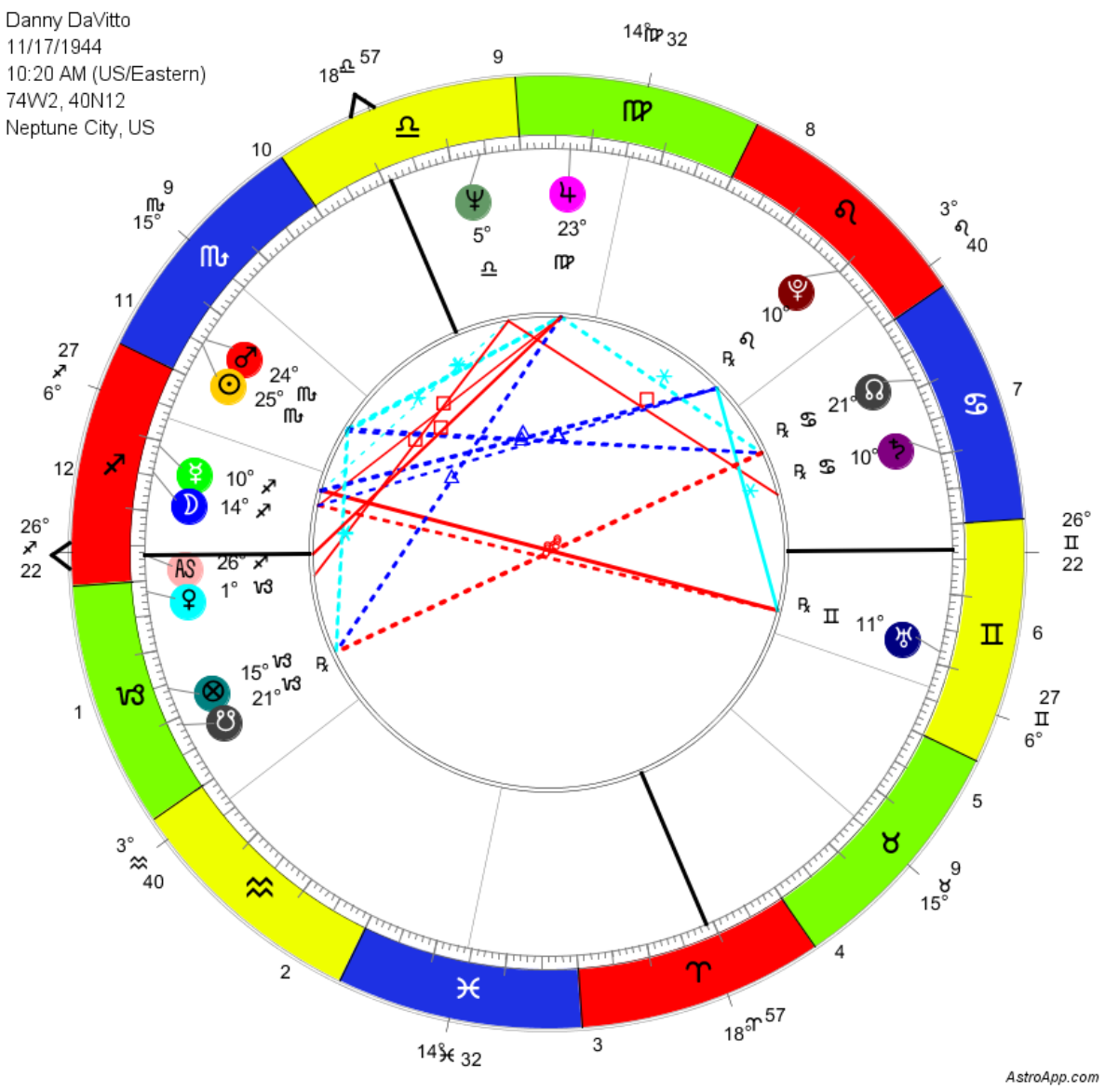
Where It Runs
Any modern browser is enough: Chrome, Firefox, Safari, Edge and the others, on Mac, Windows, Linux and Unix computers, on iPhone, iPad and Android tablets and smartphones, and on browser-enabled smart TVs. On a small screen the interface switches to its mobile layout, with the same features. Everything is stored in your account rather than on the device, so you can start a chart on your computer and open it later on your phone. You can see the mobile interface in AstroApp on Your Phone and Tablet.
The Traditions
You can explore each area in its own section of Features, or see the complete Features list.
- Forecasting: Directions, Progressions, Returns, Transits, Solar and Planetary Arcs, Time Lords (including Profections and Zodiacal Releasing, among many others), Age Points, Time Maps, Calendars and Timelines
- Hellenistic, Medieval Arabic and Traditional astrology: traditional protocols, dignities, almutens, Arabic Parts, multiple time lord systems, fixed stars and parans
- Horary and Electional astrology, with the Election Scanner, Magic and Fixed Star elections, and Election timelines
- Modern astrology: Uranian, Huber, Rudhyar, Sidereal and the other modern schools. Compatibility astrology is represented by synastry and composite charts, group charts, and dual and group chart analysis tools
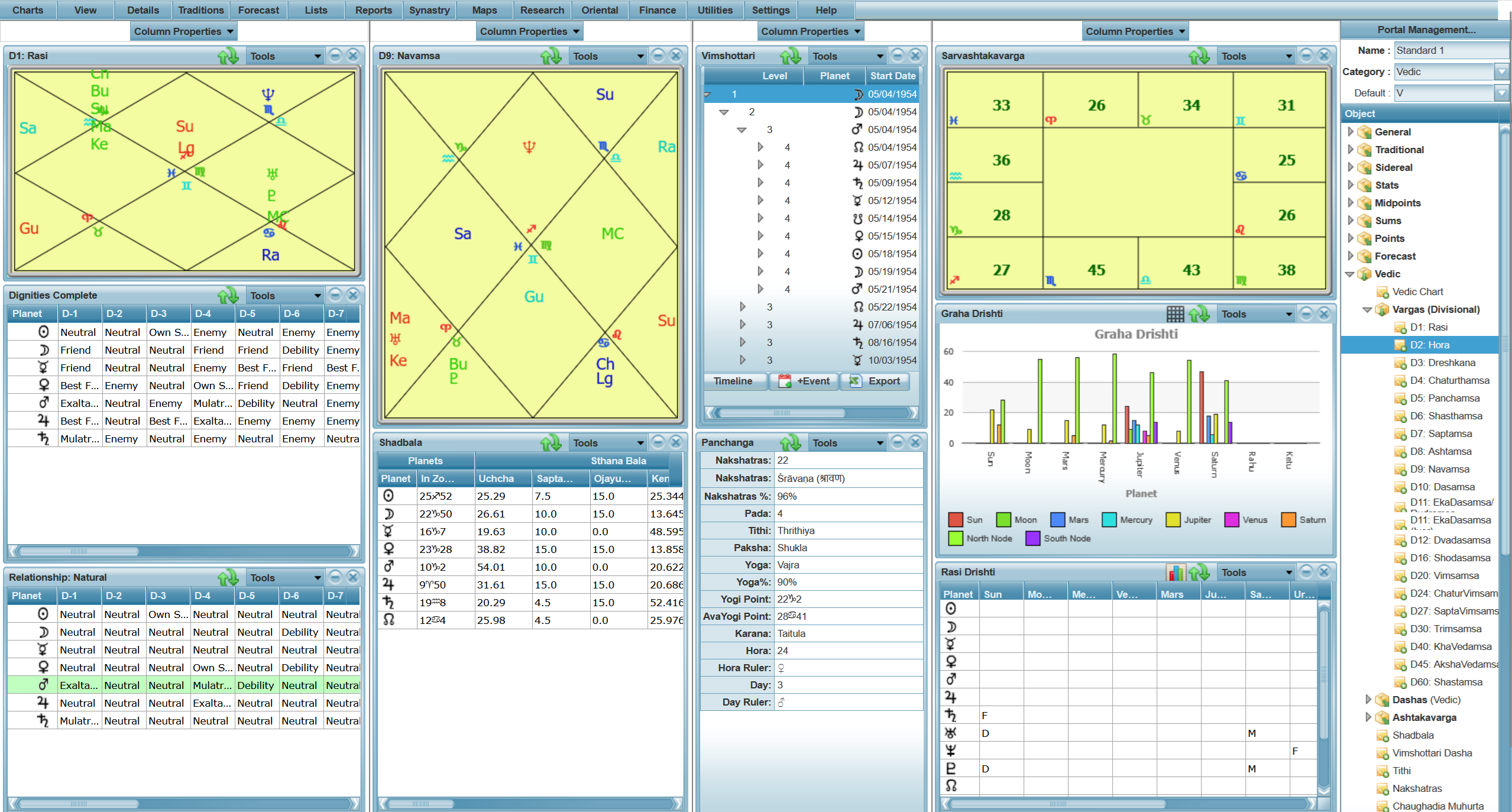
- Vedic astrology: Parashara, Jaimini and KP; Vargas, Dashas, Ashtakavarga, Panchanga and Muhurta, Yogas; Vedic portals, and predefined and customizable Vedic Pages
- Oriental astrology: Chinese, Tibetan, Japanese and Mongolian, including Qi Men Dun Jia, Xuan Kong Flying Stars and Da Liu Ren
- Mayan astrology, Human Design, the 13 Signs zodiac and Geomancy
- Mundane astrology: traditional Persian and Arabic methods such as Great Conjunctions, Mundane Lots and Mundane Directions; modern methods, including planetary cycles, Barbault indexes and world events databases
- Medical astrology: decumbitures, crisis charts, the body projections, herbal remedies, homeopathy and acupuncture points
- Financial astrology: first-trade charts, historical price data, technical and astrological indicators, events research, earnings, Gann techniques and trading strategies
- AstroCartoGraphy and Astro Maps: Astro Geography, Geodetic maps, Climates and more
- Deep Sky astrology, the 3D planetarium and the 3D styles designer
Working in AstroApp
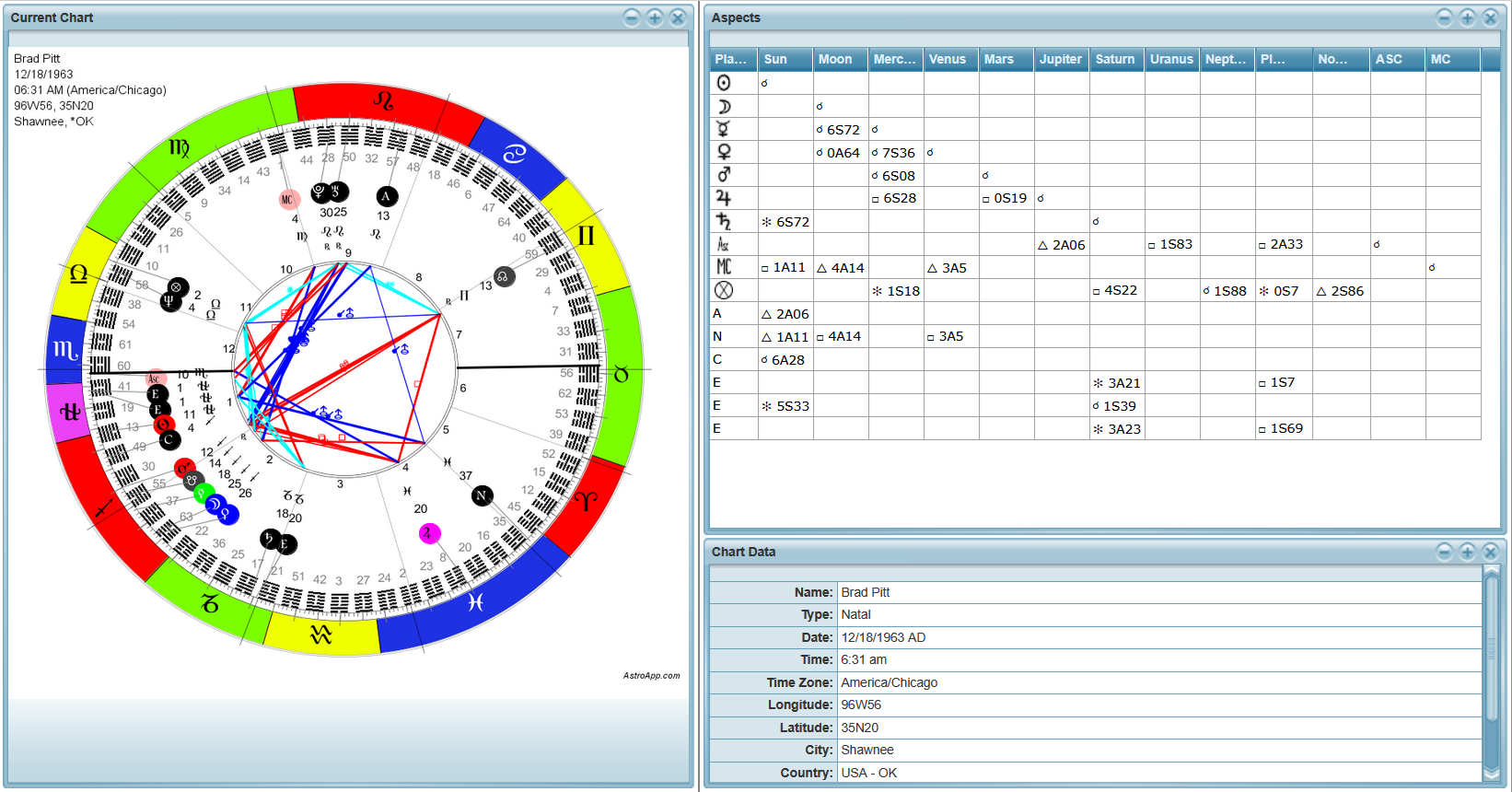
AstroApp also gives you the tools you need to run a practice. Your charts database can hold any number of charts, and you can import charts from other programs and export them in multiple formats, including QCK, Solar Fire and Excel. The interpretation reports are written by professional astrologers, and with the Interpretations Editor you can write your own. Pages and Portals put the tables, graphs and charts of any technique together on one screen that you design, and with AstroScribe you can write a client's report and take notes during the consultation. Every chart can be redrawn in many styles, and the interface can be completely changed with 18 themes and skins. Hundreds of settings let you decide the calculation rules of your practice: dignities, aspects, orbs, zodiac types, coordinate systems and many more. You can use standard and unique tools, including the Events Manager, Calendars, the Ephemeris Generator and the Points Explorer. The Research module runs chart searches of any complexity and statistical analysis of individual charts and chart groups.
The Editions
AstroApp comes in six editions, so you pay only for the astrology you practice. With the Free edition you can calculate natal charts and use the basic features. Traditional Basic is designed for Renaissance astrology. Vedic and Oriental are standalone editions dedicated to those traditions. Pro includes Traditional Basic, Vedic and Oriental along with all the Western astrology techniques and modern tools, and Financial Gold includes everything in Pro plus the Financial Astrology tools. You can compare what each edition includes, see the prices and terms, and change your edition at any time from your account. Technical support is free with every paid edition.
Languages and Places
The interface is available in 15 languages. Dates, times and coordinates follow the format of your country. The atlas has more than five million places with the detailed time zone history of every country, and you can search geographical locations by name, coordinates or using maps.
Your Charts and Your Data
Your charts, settings, pages and reports are kept in your account, available wherever you sign in. If your subscription expires, nothing is deleted or lost: your charts, reports and settings stay in your account until you renew.
For Websites and Apps
With the AstroApp APIs, you can add selected AstroApp features and calculations to your own web site or a mobile app.
Getting Started
Create an account and calculate your first chart in the Free edition, or check our screenshots first. The help and the tutorials will walk you through everyday tasks, and the frequently asked questions answer most account and subscription questions. And if you have a paid edition, your technical support is always free: write to us at any time.